Article
AI Knowledge Base vs Wiki: Should You Replace Your Company Wiki?
AI knowledge base vs wiki: how they differ, what AI changes, the real risks, and a five-question test for whether to replace, upgrade, or keep your wiki.

Should you replace your company wiki with AI? The question usually comes up after one too many searches returning 40 pages and no single answer.
Over the past few years, I’ve pointed plenty of AI agents at messy wikis, and retrieval is rarely the problem – the right page usually comes back. What’s missing is context. A passage with no owner, no date, and no trace of the decision behind it looks identical to the model, whether it’s current or abandoned, so it answers from both with equal confidence.
The short answer is that AI can fix the problem with finding information. However, it can’t automatically fix the problem with trusting that result. This guide explains the difference between a wiki and an AI knowledge base, what AI changes, the risks, and a five-question test for deciding whether to replace, upgrade, or keep your current company wiki.
What is a traditional wiki?
A traditional wiki is a set of pages that someone at your company can create and edit, which is organized into spaces, page trees, and links, and searched mostly by keyword.
Company wikis like Confluence, Notion, Slab, and MediaWiki all follow this pattern. People write pages, someone organizes them, and readers browse or search for answers. The wiki’s job is storage and navigation of critical company information.
Generally, wikis are good at three things:
- Long-form documentation, such as runbooks, specs, and policies.
- Controlled wording, where the exact text matters.
- Browsing, when you know, roughly, where something lives.
The weak point of wikis is retrieval. A keyword search returns pages and pages of results, and the reader still has to open them, read them, and determine which one is right.
What is an AI knowledge base?
An AI knowledge base uses a language model to find the relevant content and write a direct, sourced answer to a question asked in plain language. It also still stores documents, but the main way people use an AI knowledge base is by asking a question, not by browsing.
Most AI knowledge bases use a retrieval-augmented generation (RAG) framework. First, the system retrieves passages from a trusted set of documents. Then, it writes an answer based on those passages. That foundation is what makes citations possible.
On top of retrieval, a strong AI knowledge base adds three things:
- Permission awareness: answers use only content the person asking is allowed to see.
- Citations: every answer links to its sources.
- Maintenance signals: flags for stale, duplicate, or conflicting content.
AI-native platforms go a step further by connecting knowledge to the work it describes. For example, with the NuHQ platform, NuHQ Knowledge and NuHQ Products share the same context.
AI knowledge base vs wiki: the key differences
The core difference between an AI knowledge base and a wiki is the output they produce. A wiki gives you pages to read. By contrast, an AI knowledge base gives you an answer with sources. That one change affects how content is written, maintained, governed, and priced.
| Traditional wiki | AI knowledge base | |
|---|---|---|
| How you navigate | Page tree and keyword search | Questions in plain language |
| What you see | A list of pages | A direct answer with citations |
| Content surfaced | The page | The passage, linked to its page |
| Maintenance | Manual reviews | Can flag stale or conflicting sources |
| How it fails | You can’t find the page | You get a confident wrong answer |
| Governance | Page permissions | Permissions, citations, and AI policy |
| Typical pricing | Per seat | Per seat, plus AI usage or credits |
| Best for | Browsing and exact wording | Answering repeated questions quickly |
The “how it fails” row really matters. A wiki that hides a page wastes an employee’s time. But an AI knowledge base that answers from an outdated page spreads misinformation to everyone who asks.
Why companies are rethinking their wikis now
Searching for information has always been expensive. The McKinsey Global Institute found that knowledge workers spend nearly 20% of their workweek looking for internal information or tracking down colleagues who can help them (The social economy, 2012). Now, AI retrieval works well enough to free up that time for more important tasks.
Here’s how newer platforms have evolved:
- AI now comes built into most wikis. The larger wiki vendors include AI features in their paid plans, usually with a monthly allowance of AI credits or usage.
- People already ask AI first. Employees expect a question box, not a page tree.
- Knowledge is becoming shared context. In an AI-native company, knowledge isn’t siloed. Instead, it’s the context every team and every AI tool works from.
The risks of replacing a wiki with AI
The biggest risk of replacing a wiki with AI is receiving confident wrong answers resulting from stale or conflicting content. Others include permission leaks, unclear AI data handling, unpredictable usage costs, and lost wording.
Here are the main risks, and how to avoid each one:
- Stale content. AI can’t tell that a 2023 pricing page is out of date unless something makes it obvious. Require owners and review dates.
- Permission leaks. If the AI ignores page restrictions, people see answers and access information they shouldn’t. Test with a restricted page before rollout.
- Unclear AI behavior. Ask vendors which models they use, whether your data trains them, and how answers are grounded. The NIST AI Risk Management Framework is a useful checklist.
- Cost drift. Credit- and usage-based AI pricing grows with adoption. Additionally, credits that expire each month are challenging to forecast. Ask what happens when your company exceeds the limits.
- Lost wording. Policies and legal text should be quoted, not paraphrased. Make sure answers link back to the original source.
Should you replace your wiki, add AI to it, or keep it?
Most teams should start by adding AI to a cleaned-up and current wiki. They should replace the wiki only when the real problem is disconnected knowledge, not search.
If you’re wondering whether to replace your wiki, answer yes or no to these questions:
- Do people ask the same questions again and again in Slack or email?
- Do more than a quarter of your pages lack a clear owner?
- Do answers depend on why decisions were made – not just what the policy is?
- Do several teams (for example, product, support, sales) need the same answers from different tools?
- Do many of your readers visit only occasionally, or come from outside the company, such as contractors or partners?
How to read your answers:
- Mostly no: keep your wiki and improve page and information ownership.
- Yes to 1 or 2: clean up your content and assign owners. Then, add AI to your existing wiki.
- Yes to 3, 4 or 5: look at an AI-native knowledge base that connects knowledge to the decisions and evidence behind it.
How an AI knowledge base changes the way you write
In an AI knowledge base, every section should be able to stand independently, because the system retrieves passages, not whole pages. Fortunately, writing this way also makes content easier for people to skim.
By contrast, a wiki page can bury the answer in paragraph six and still work, because a person reads from top to bottom. A retrieval system pulls the passage that best matches the question, so a section that depends on context three headings up can get quoted out of context.
Here are five rules for writing AI-ready knowledge:
- Lead with the answer. The first sentence under each heading should answer the heading.
- Name things in full. Write “the Enterprise plan’s SSO policy,” not “the policy.”
- Add dates to important facts. Pricing, limits, and owners need an “as of” date.
- Keep one topic per page. Split a page that covers three processes into three pages.
- Link to the decision. If a rule exists because of a decision, link to the record of that decision.
How to move from a wiki to an AI knowledge base
If you’ve decided to migrate from a wiki to an AI knowledge base, move in stages: clean up, restructure, and test it with one team. When everything works the way you’ve designed, then switch. Don’t rush the migration and import stale pages into a system that will quote them with confidence.
Here’s a little more detail on the migration:
- Audit. Export your page data and flag pages with no edits or views in 12 months.
- Archive. Archive the flagged pages, rather than migrating them.
- Assign owners. Make sure that every remaining space or collection has a named owner and a review date.
- Restructure for answers. Put the answer in the first sentence of each section, and define terms clearly.
- Start with one team. Generally, support or onboarding teams work well because the same questions come up repeatedly. Track how often answers are correct and cited.
- Switch, and make the old wiki read-only. Keep it for 60 to 90 days as a fallback system.
For the bigger picture, our guide to building a single source of truth walks through the full process.
Which tools offer AI knowledge bases?
The options fall into three groups, and each fits a different starting point:
- Wikis with AI added: tools like Confluence, Notion, and Slab, which have added AI answers to an existing page-based wiki.
- AI search layers: tools like Glean, which search across the tools you already have without a migration.
- AI-native knowledge platforms: tools like NuHQ Knowledge, Guru, and Tettra, where AI answers are central to the product.
Pricing models vary as much as features do. Most vendors charge per seat and meter AI separately, often in credits. NuHQ publishes its pricing publicly and meters AI usage in dollars. Check out NuHQ’s AI Transparency page to learn more.
Not sure where to start?
Take NuHQ’s free Sync Index to see how well knowledge moves through your company today. It takes about two minutes and shows which area is holding the rest back. To see what an AI-native knowledge base looks like, take the Knowledge tour, or join the waitlist for our private beta.
Key takeaways
- A wiki returns pages of results. An AI knowledge base surfaces cited answers, usually using retrieval-augmented generation (RAG).
- The main risk with an AI knowledge base is confident but wrong answers from stale content. So, clean up and assign owners before you switch.
- Add AI to your wiki if search is the only problem you’re seeing. Replace it if your knowledge is disconnected from the decisions and evidence behind it.
- Require citations, permission-aware answers, and clear AI data policies from any vendor you’re working with.
- Budget for seats plus AI usage, since most tools now charge for AI separately.
Put this into practice with NuHQ Products
Product work linked to the decisions and knowledge behind it. The beta is opening to teams in waves.
Frequently asked questions
What is the difference between an AI knowledge base and a wiki?
A wiki is a collection of pages that people write, organize, and search by keyword. An AI knowledge base stores similar content but adds a model that finds the relevant passages and writes a direct, cited answer to a plain-language question. A wiki returns pages. An AI knowledge base surfaces answers, and the best ones also flag stale or conflicting content.
Can I just add AI to my existing wiki?
Often, yes. Most major wikis now offer AI features in their paid plans. Adding AI works well when your pages are current and have owners. However, if many pages are outdated or contradictory, AI will repeat those errors with more confidence. If that’s the case at your organization, clean up your content first, or move to a system that connects knowledge to the decisions behind it.
Are AI knowledge bases accurate?
They’re as accurate as the content they reference. AI knowledge bases that use retrieval-augmented generation base their answers on your documents and can cite their sources. When sources are stale, permissions are wrong, or the system answers without citing anything, accuracy drops. Require citations, an owner for every source, and a mechanism to report wrong answers.
How much does an AI knowledge base cost?
It depends on the pricing model. Most vendors charge per seat and bill AI separately, usually in monthly credits that expire. When you compare options, budget for both seats and AI usage, and ask what happens when you go over your allowance. NuHQ publishes its pricing, with AI usage billed monthly based on actual use.
When should a company keep its traditional wiki?
Keep a traditional wiki when your team is small, your content is well maintained, people browse rather than ask questions, or when regulated content needs fixed, approved wording. A well-owned wiki often beats an AI layer on top of messy or inaccurate content. Revisit the decision when search is too messy or onboarding starts taking longer.
What is retrieval-augmented generation in a knowledge base?
Retrieval-augmented generation (RAG) is a technique where an AI system retrieves relevant passages from a trusted set of documents and uses a language model to write an answer based on those passages. It was first described by Lewis et al. in 2020. In a knowledge base, RAG enables AI to cite your actual pages rather than guessing.
Sources
Written by
LinkedIn profileRelated reading
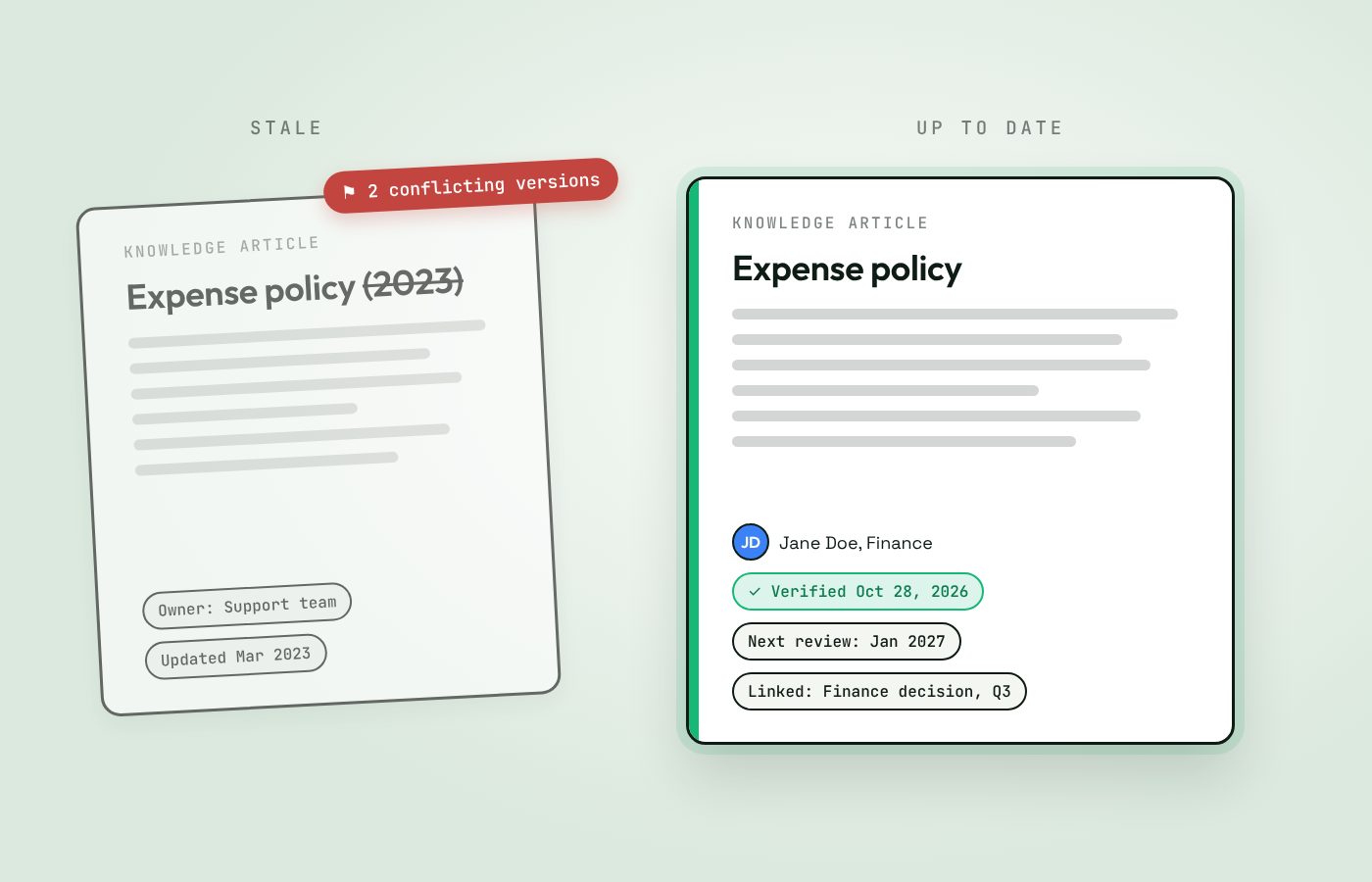
How to Keep Your Knowledge Base Up to Date (and Stop It From Going Stale)
Knowledge bases go stale fast. How to keep yours up to date with owners, review dates, updates in the flow of work, and signals that flag outdated content.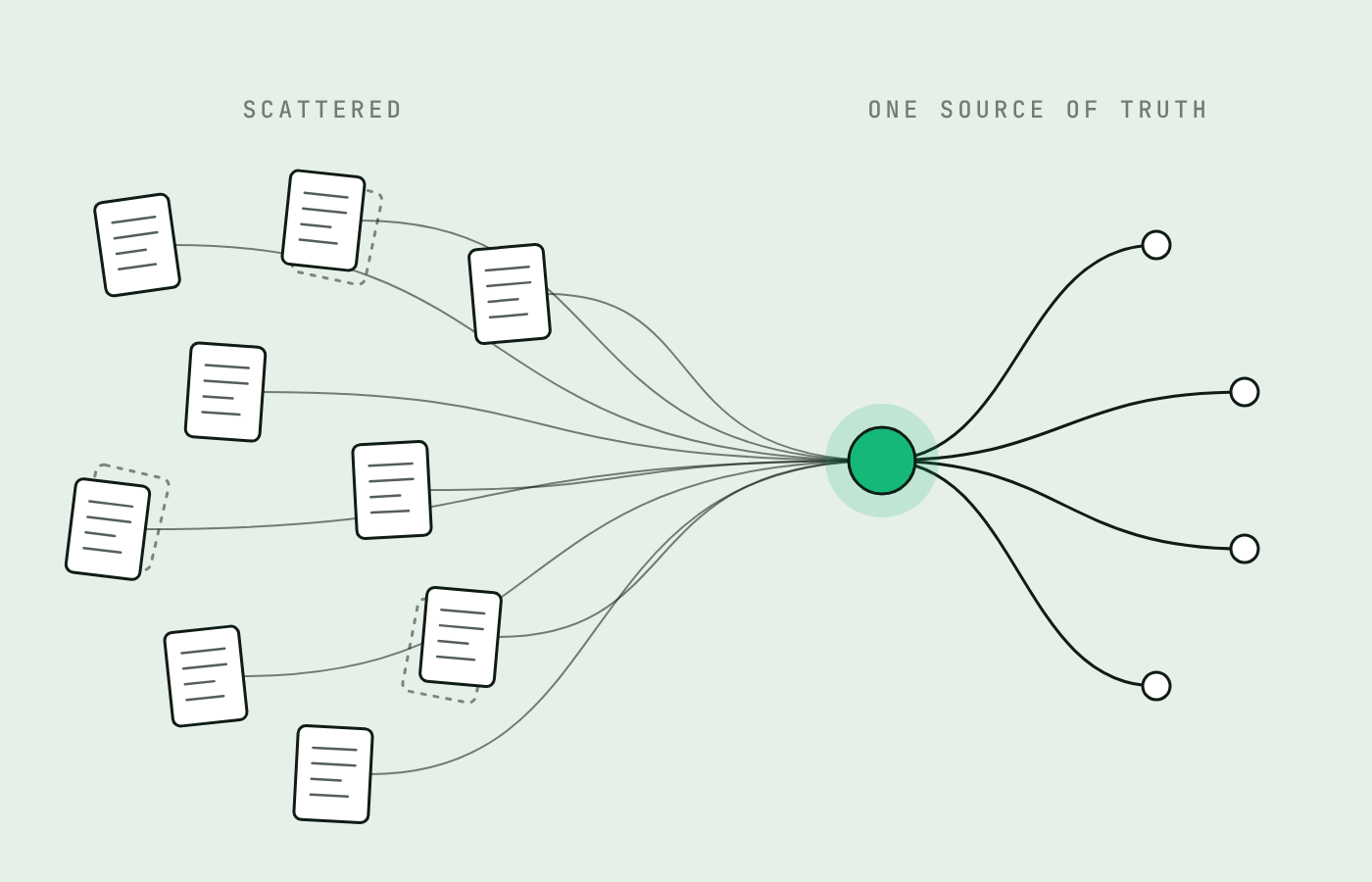
How to Build a Single Source of Truth for Your Company (7 Steps)
A single source of truth gives every important question one trusted answer, for people and AI. How to build one in seven steps and keep it current.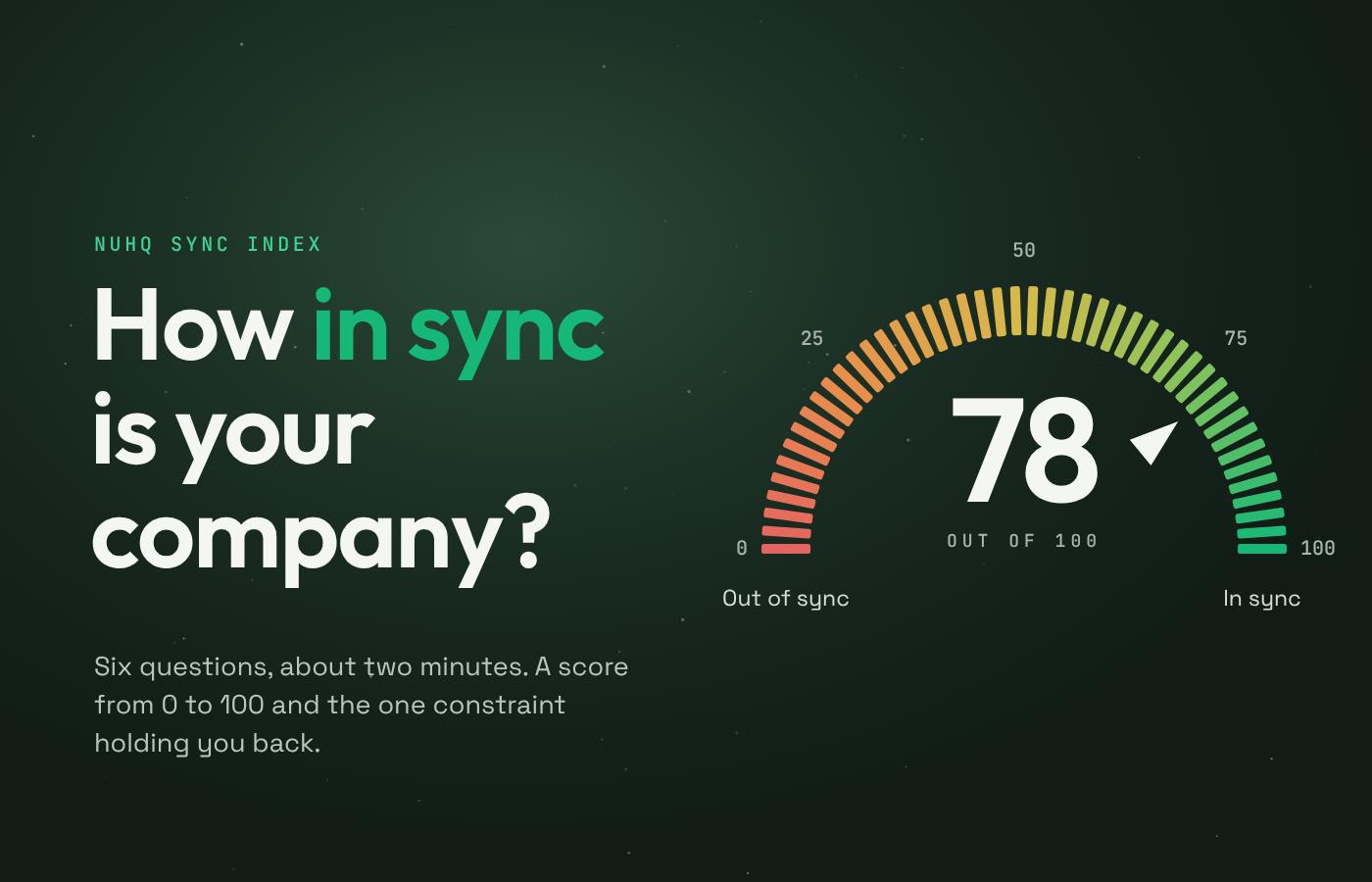
The Organizational Sync Maturity Model: How to Measure Whether Your Company Is in Sync
How well does knowledge move through your company? Use the Organizational Sync Maturity Model to score six dimensions and find what to fix first.


