Article
How to Keep Your Knowledge Base Up to Date (and Stop It From Going Stale)
Knowledge bases go stale fast. How to keep yours up to date with owners, review dates, updates in the flow of work, and signals that flag outdated content.

Every knowledge base starts out current. Unfortunately, things start to fall apart the week after launch. A product changes, a policy gets updated, a process moves to a new tool, and the article with the vital details doesn’t change with it. Six months later, the support team double-checks everything, and new hires have gotten used to asking questions in Slack instead.
To make matters worse, features rarely live in isolation. When you update a core guide, a handful of downstream articles, FAQs, and onboarding steps are often quietly left behind, creating a hidden web of contradictory information.
When you layer AI onto an existing knowledge base, the system often can’t tell what was published yesterday from what was published three years ago. It matches semantic intent against whatever text ranks closest, treating a hasty draft from 2023 with the same authority as your latest documentation.
Instead of occasionally stumbling on bad advice, AI will spread your stale content instantly, delivering outdated workflows and incorrect answers with complete and unearned confidence.
A knowledge base doesn’t go stale because people don’t care. Instead, it goes stale because keeping it up to date isn’t anyone’s actual job. In this guide, we’ll cover why that happens, how to spot it, and eight practices that ensure that your content is trustworthy.
Why do knowledge bases go out of date?
Knowledge bases go out of date because writing an article is a one-time task, but keeping it accurate is an ongoing task without clear ownership.
The most common reasons knowledge bases go stale:
- No named owner. A team like customer support owns everything, so no one owns anything.
- Written once, never reviewed. Articles are created during a launch or an onboarding push, then quickly forgotten.
- Changes happen somewhere else. Products, pricing, and policies change in other tools and meetings, and nothing – or no one – tells the article it’s out of date.
- Duplicates multiply. When people can’t find the right article, they write a new one. Now, there are two versions.
- Nobody knows what’s used. Without usage data, teams can’t tell which articles matter now and which ones can be archived.
Why stale content matters more now
This isn’t a new phenomenon – people have always struggled to find the right information at work. In a 2023 Gartner survey of nearly 4,900 employees, 47% of digital workers said that they struggle to find the information they need to do their jobs well, and the average desk worker used 11 apps.
That was true before AI. Now, every stale article is one question away from becoming a confident wrong answer. As we covered in our guide to AI knowledge bases vs wikis, AI can help people find answers faster. However, it can’t make a stale answer trustworthy.
Signs your knowledge base is going stale
If any of these signals sound familiar, you probably have a freshness problem with your knowledge base:
- People ask in chat before they search. They’ve learned that the knowledge base just isn’t reliable or current.
- Support reps keep private notes. The “real” answers live in personal docs and saved messages – not in public.
- Search returns several versions of the same answer. Also, nobody can tell which one is the most current.
- Articles reference old product names, screenshots, or prices. Unfortunately, this helps no one.
- Nobody can say who owns a given article. As a result, it’s never updated.
- The last knowledge cleanup was “a while ago.” The next one is already overdue.
How to keep a knowledge base up to date: 8 practices
These eight practices work hand in hand. Ownership and review dates set the foundation, updating knowledge in the flow of work keeps content current, and signals and metrics catch what gets missed.
1. Give every article a named owner
Ownership is the single biggest predictor of whether content stays accurate and relevant. So, every article, or at least every collection of articles, needs a named individual – not a team. The owner doesn’t have to write everything. Instead, they’re responsible for making sure the information is right.
2. Set review dates based on how fast content changes
Not all of your content needs to be reviewed on the same schedule. Match your review dates to how quickly each type of content changes within your organization. For example:
| Content type | Suggested review cycle |
|---|---|
| Pricing, plans, and packaging | Every time they change, plus monthly |
| Product how-tos and release-related articles | With every release that touches them |
| Policies (HR, security, finance) | Quarterly |
| Processes and internal how-tos | Every six months |
| Background and evergreen content | Once a year |
Ensure that every article shows the “last verified” date, so readers can see how current it is.
3. Update content in the flow of work
The most effective knowledge teams don’t rely on big, disruptive cleanup projects. Instead, they fix content while they use it. Knowledge-Centered Service (KCS), a widely used methodology from the Consortium for Service Innovation, calls this concept “reuse is review.” In other words, every time someone uses an article, they review it, and they either flag a problem or fix it on the spot (KCS v6 Practices Guide).
In practice, people who use the knowledge base every day (like support and customer success teams) should have permission to make small fixes and a simple way to flag bigger issues.
4. Connect articles to the changes that make them stale
Most articles go stale because something changed somewhere else in the organization. For example, a release shipped, a policy was updated, or a decision was made in a meeting. Wherever you can, link articles to those sources so a change in one place prompts a review of the other.
At a minimum, add a knowledge review step to your release checklist and your policy change process. If your knowledge shares the same context as your product decisions and releases, those connections can happen automatically. That’s the benefit of a single source of truth.
5. Retire, merge, and redirect
A smaller knowledge base is easier to keep current. Every quarter, archive articles nobody has viewed in a year, merge duplicates into one version, and redirect old links to the updated article. Archiving isn’t deleting – it takes outdated content out of search and out of reach of AI tools, which protects the integrity of your knowledge base.
6. Make it easy for readers to flag problems
Readers spot problems first. Add a simple “Is this still accurate?” or “Report an issue” option to every article, and route those flags to the article owner, rather than a shared inbox. Then, close the loop by telling the reader when it’s fixed.
7. Use usage data and AI signals
Track which articles get the most views, which searches show nothing, and which questions keep coming up in chat. Use AI to help flag articles that contradict each other, identify content that hasn’t been touched in a long time, and surface questions it couldn’t answer from the knowledge base.
8. Measure freshness like any other metric
What gets measured gets maintained. Every month, review a short freshness report that shows:
- Stale content rate: the percentage of articles that are past their review date.
- Ownership coverage: the percentage of articles with a named owner.
- Time to update: how long it takes for an article to change after the product or policy is updated.
- Flag resolution time: how long reader-reported issues stay open.
- Unanswered questions: searches and AI questions that found no good answer.
Common mistakes to avoid
To keep your knowledge base up to date, here are the common mistakes to avoid:
- Relying on annual cleanups. By the time the cleanup project happens, team members have already stopped searching for and trusting the content.
- Assigning ownership to a team. Shared ownership means that nobody feels responsible for keeping knowledge current.
- Migrating everything to a new tool. Moving dated content to a new platform just gives it a new home. So, clean it up first.
- Hiding the dates. If readers can’t see when an article was last verified, they might assume the worst.
- Pointing AI at a stale knowledge base. AI makes unmaintained content easier to find and easier to believe.
Where NuHQ fits in
NuHQ Knowledge is built as a living source of truth: content has owners and verification, and AI answers include citations, so people can see where an answer came from. Because NuHQ is a suite of connected apps, knowledge can sit alongside the product decisions and plans that change it. Our public help center runs on NuHQ Knowledge, so you can see it in action today.
NuHQ is more than just a new home for your content. Our always-on AI will actively improve the health of your content. Duplicates and contradictions are served up for you to review and address. Warnings at publication prevent you from re-creating the same content. Built-in AI tools sharpen your wording and help you write for AI retrievability by applying retrieval-augmented generation (RAG) best practices.
To find out how well knowledge moves through your company today, take our free Sync Index. It takes about two minutes and shows which area is holding the rest back. Our Organizational Sync Maturity Model explains what each score means.
See a living knowledge base
Take the Knowledge tour to see how NuHQ Knowledge keeps content owned, verified, and cited. Then, join the waitlist for our private beta.
Key takeaways
- Knowledge bases go stale because upkeep isn’t anyone’s job, not because people don’t care about it.
- Ensure that every article has a named owner, a review date, and a visible “last verified” date.
- Update content in the flow of daily work. KCS calls this “reuse is review.”
- Connect articles to the releases, policies, and decisions that make them stale.
- Retire what nobody uses and measure the freshness of your knowledge base every month.
Put this into practice with NuHQ Products
Product work linked to the decisions and knowledge behind it. The beta is opening to teams in waves.
Frequently asked questions
How often should you update a knowledge base?
Plan to review content on a schedule that matches how fast it changes. For example, pricing and product articles should be reviewed with every change. Additionally, policies should be reviewed quarterly, and processes should be reviewed every six months. Plan to review evergreen content once a year. Of course, if your organization makes changes more frequently, this schedule may change. Between reviews, update articles whenever someone using them spots a problem.
Who should own the knowledge base?
One person should own the overall knowledge base – often a knowledge manager or a leader on the support or enablement teams. However, every article or collection also needs a named owner, which is usually the subject matter expert closest to that content. Owners are responsible for ensuring its accuracy, even if they don’t write every word in each article.
What is knowledge base maintenance?
Knowledge base maintenance is the ongoing work of keeping articles accurate, findable, and useful for members of your team. It includes reviewing content on a schedule, fixing errors as they’re spotted, merging duplicates, archiving unused articles, and tracking metrics like the percentage of articles past their review date.
What is “reuse is review” in Knowledge-Centered Service?
“Reuse is review” is a principle from Knowledge-Centered Service (KCS), a methodology developed by the Consortium for Service Innovation. It means that every time someone uses a knowledge article, they also review it, and they either flag problems or fix them on the spot. That way, the most-used content stays the most current.
How does AI help keep a knowledge base up to date?
AI can flag articles that contradict each other, content that hasn’t been reviewed in a long time, and questions it couldn’t answer from your knowledge base. Unfortunately, AI will repeat whatever it finds, so it works best once you’ve established clear ownership and review dates.
Sources
Written by
LinkedIn profileRelated reading
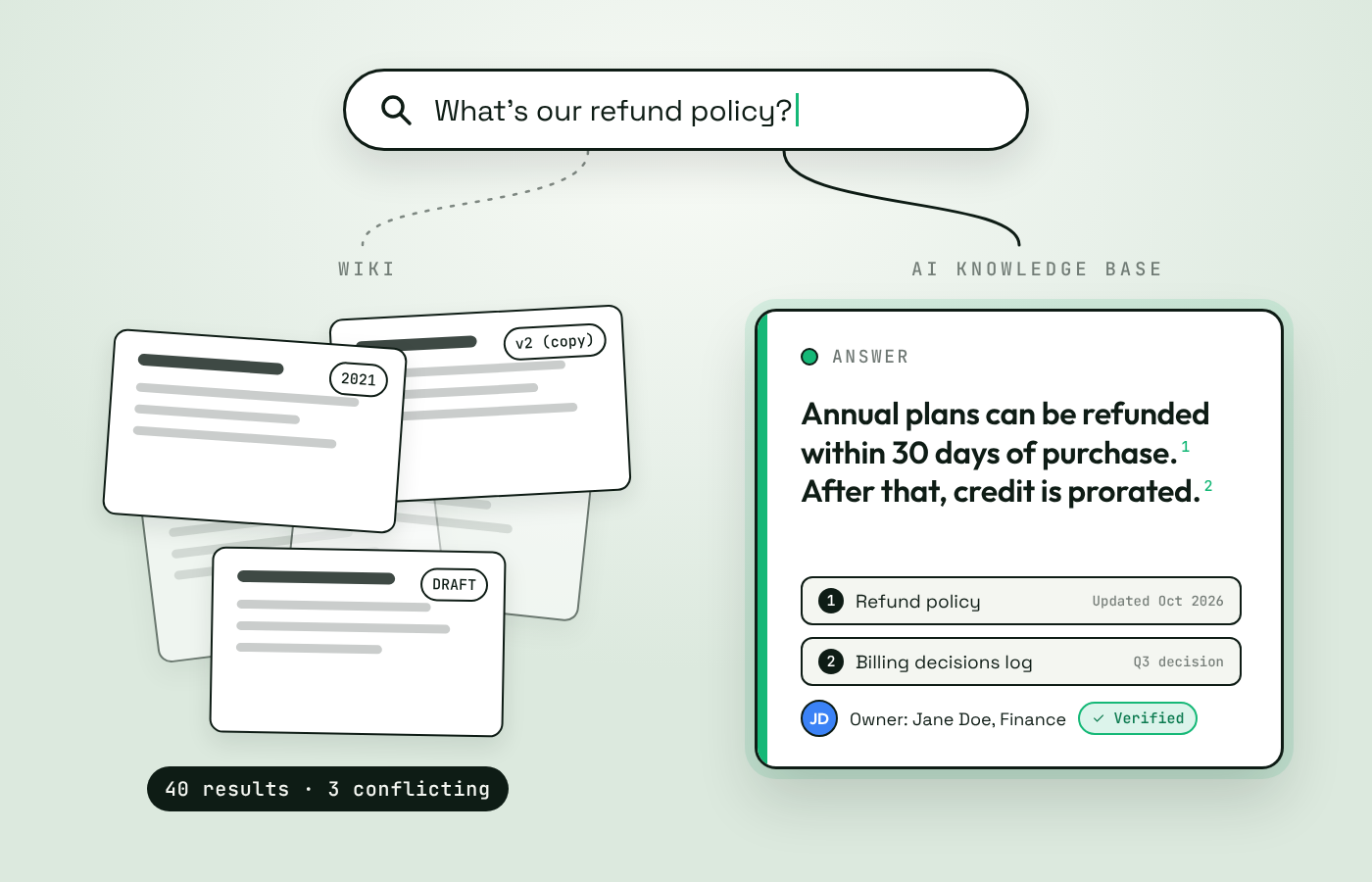
AI Knowledge Base vs Wiki: Should You Replace Your Company Wiki?
AI knowledge base vs wiki: how they differ, what AI changes, the real risks, and a five-question test for whether to replace, upgrade, or keep your wiki.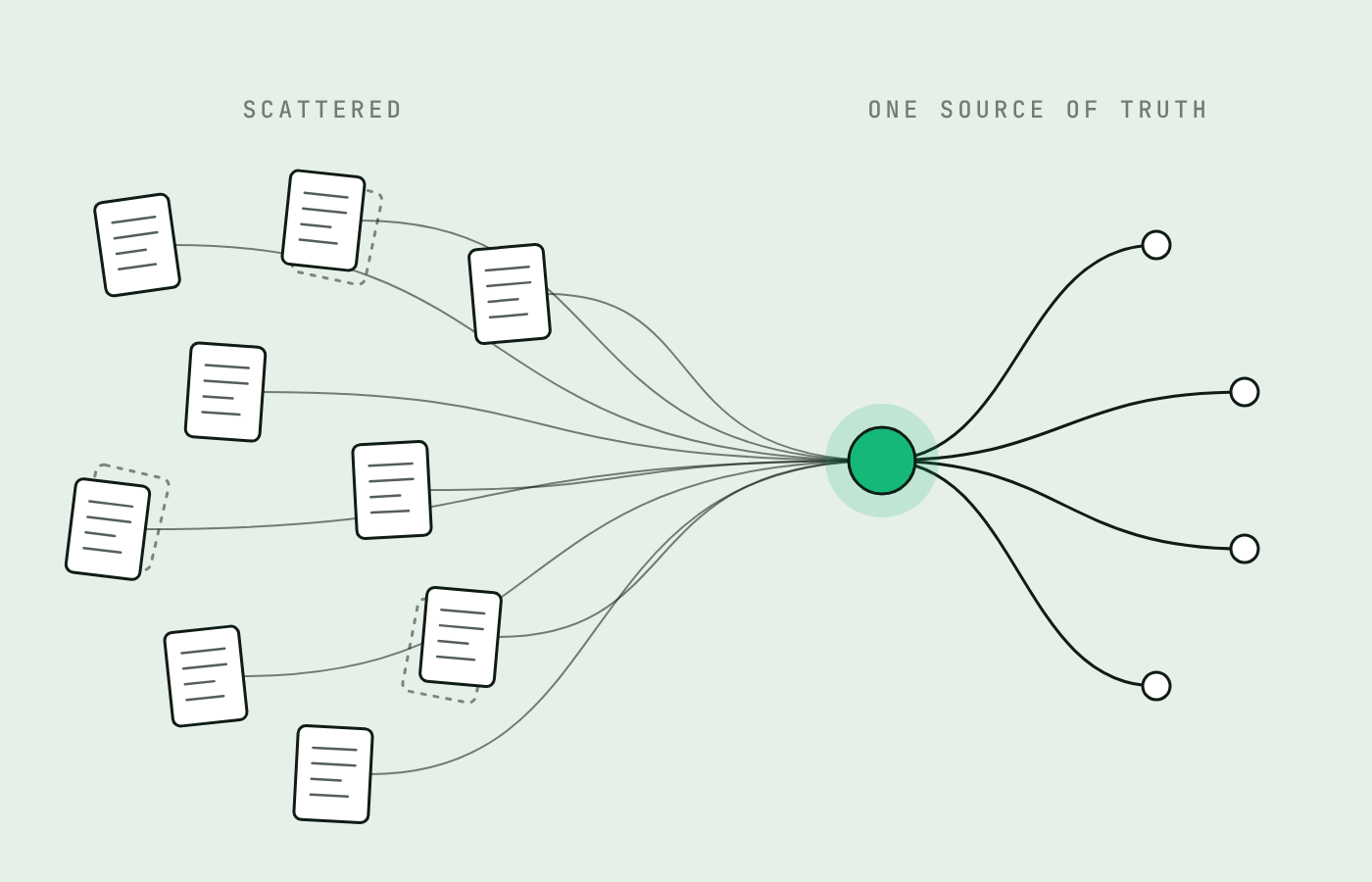
How to Build a Single Source of Truth for Your Company (7 Steps)
A single source of truth gives every important question one trusted answer, for people and AI. How to build one in seven steps and keep it current.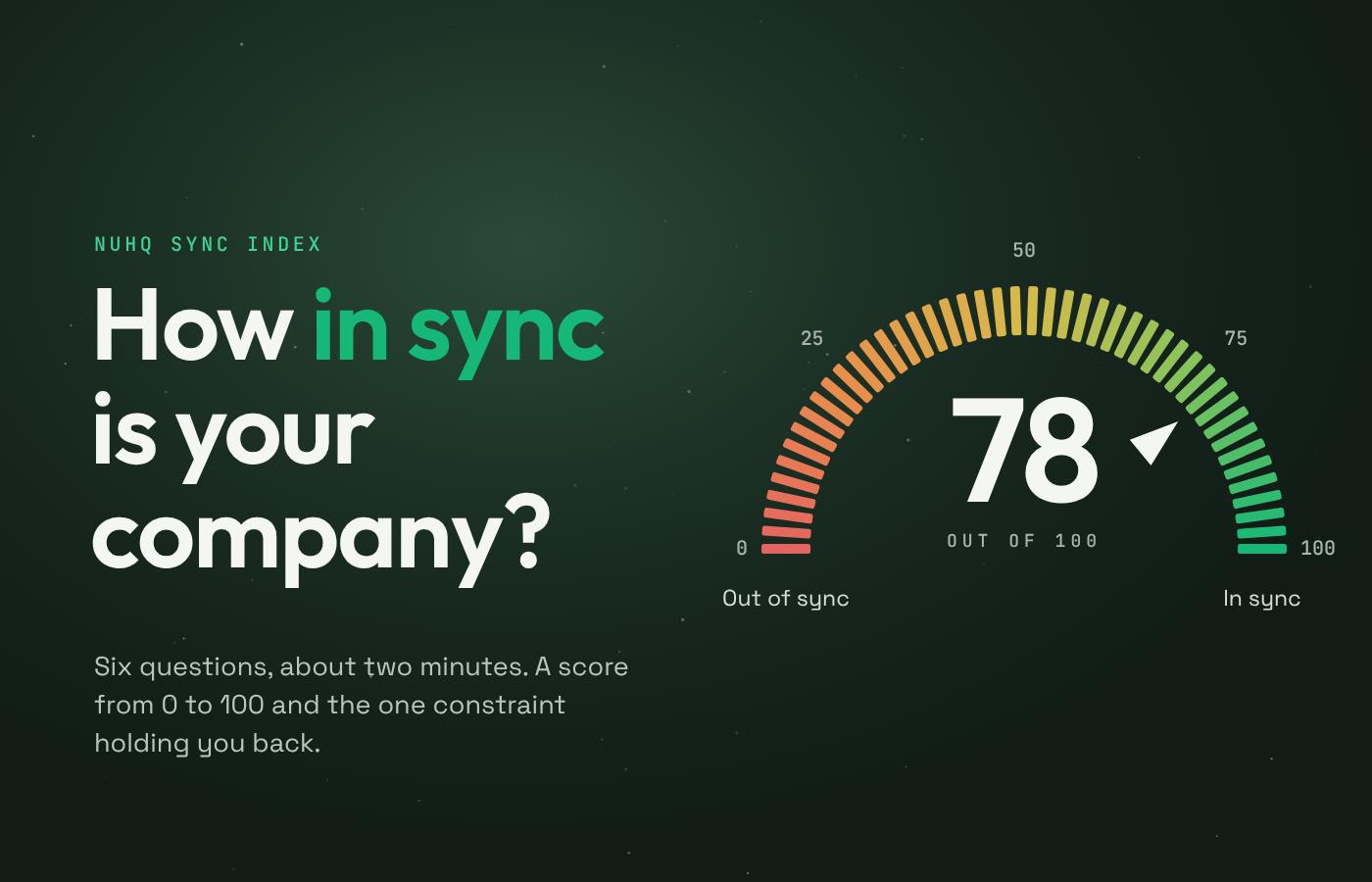
The Organizational Sync Maturity Model: How to Measure Whether Your Company Is in Sync
How well does knowledge move through your company? Use the Organizational Sync Maturity Model to score six dimensions and find what to fix first.


