Article
How to Organize Customer Feedback: A Step-by-Step Guide (With Tagging Taxonomy)
Learn how to organize customer feedback in 7 steps: centralize sources, tag with a taxonomy, add customer context, and link it all to product decisions.

What separates a product team that reacts to the loudest customer from one that acts on patterns? Understanding how to organize customer feedback. Most teams already collect plenty of feedback. However, it sits in support tickets, call notes, surveys, and Slack threads, with no shared structure.
In this guide, I’ll walk through seven steps, a sample tagging taxonomy, and an example you can replicate.
Why is it important to organize customer feedback?
It’s important to organize customer feedback because unstructured input can’t be measured, compared, or traced to product decisions. Specifically, a list of anecdotes tells you that customers are unhappy, but an organized repository tells you which problem affects which segment, and how much revenue it represents for your company.
Organized feedback delivers three things to your team:
- Prioritization you can defend. You’re in a much stronger position pinpointing “34 accounts, $410,000 in ARR, mostly mid-market” rather than, “I keep hearing this.”
- Less duplicate work. Your support, sales, and product teams will stop logging the same request three different ways.
- Trust. When customers and colleagues see their input linked to a product decision, they’ll be more incentivized to keep sharing it.
Customer feedback that has been structured and linked to a decision is often called customer evidence. Our guide to customer evidence explains how it supports product decisions.
How do you organize customer feedback, step by step?
The seven steps to organize customer feedback are:
- Audit your sources
- Centralize your sources
- Define a taxonomy
- Add customer context
- Tag and cluster feedback by the underlying problem
- Link themes to decisions
- Close the loop
Each step builds on the last, so let’s talk about them in order.
Step 1: Audit every source of customer feedback
To start, list every place where your feedback lives today. Then, estimate its monthly volume. You simply can’t organize what you haven’t found.
Typical sources where feedback is stored include helpdesk tickets, notes from sales calls, customer success notes, user interviews, NPS and survey responses, app store reviews, community forums, and internal Slack channels. For each one, take note of the owner, the format, and approximately how many pieces of feedback it surfaces each month.
Step 2: Centralize your customer feedback in one repository
Next, choose one place where all your customer feedback will live, and route every source into it. A single repository is the foundation for what follows. Also, tags are useless if they’re spread across five tools.
The feedback repository can be a spreadsheet, a dedicated tool, or a connected platform. What matters is that every item has a consistent record including: date, source, customer, verbatim quote or anecdote, and a link back to the original. For options on tools and how they’re priced, check out our comparison of customer feedback management software.
Step 3: Define a specific tagging taxonomy
A tagging taxonomy is a controlled, agreed-upon list of labels you’ll use to categorize every piece of feedback. “Controlled” means that people choose from the list you start with, rather than inventing new tags as you go.
Use a few fixed dimensions, plus a flexible list of themes. Start with 15-30 themes. Your helpdesk can help here: for example, in Zendesk, tag management is limited to admins, so you can align tags from your support team with your product taxonomy. As a result, you’ll make sure both teams are speaking the same language.
Step 4: Attach customer context to every piece of feedback
Customer context is the account-level data that tells you who gave the feedback: segment, plan, annual recurring revenue (ARR), industry, lifecycle stage, and the person’s role in their organization. Without it, you can count mentions, but you can’t weigh them accordingly.
Pull this data from your CRM or billing system, rather than asking people to type it into a form. One enterprise customer and 20 free-tier users may raise the same theme, and customer context lets you see both of these views.
Step 5: Tag and cluster feedback by the underlying problem
Tag each item with its type, product area, and theme. Then, cluster related items by the underlying customer problem. Customers describe solutions, and your job is to find the need.
Step 6: Link themes to opportunities and decisions
Linking means connecting each problem-level theme to the product opportunity, decision, or roadmap item it supports. This is the step most teams skip, but it’s the one that makes feedback truly useful.
Step 7: Close the loop and review feedback on a regular cadence
Closing the loop means telling the customers and colleagues who gave feedback what you decided, including what you’ll defer. A predictable rhythm for reviewing feedback keeps the system healthy.
Here’s a cadence that works for most teams:
- Weekly (30 minutes): One product manager triages new items, fixes tags, and merges duplicates.
- Monthly (60 minutes): Product, support, and sales review the top themes by customer count and ARR.
- Quarterly: Prune the taxonomy by merging tags used fewer than five times and splitting the ones that have too many pieces of feedback.
What does a good customer feedback tagging taxonomy look like?
A strong taxonomy for customer feedback has a handful of fixed dimensions with short, distinct values, along with a theme list written as customer problems. Ideally, it fits on one screen.
Here’s a sample taxonomy that you can adapt for your organization:
| Dimension | Purpose | Examples |
|---|---|---|
| Type | What kind of feedback it is | Bug, feature request, usability issue, praise, churn reason, question |
| Product area | Where in the product it applies | Onboarding, reporting, integrations, permissions, billing, mobile |
| Theme (problem) | The underlying customer need, in plain words | “Can’t share results with non-users,” “Setup takes too long,” “Can’t find old decisions” |
| Sentiment | How strongly the customer feels | Positive, neutral, negative, blocking |
| Segment | Who said it (from your CRM) | Enterprise, mid-market, SMB, free users |
| Source | Where it came from | Support ticket, sales call, interview, survey, community |
| Status | What happened next | New, triaged, linked to opportunity, decided, loop closed |
As you tag feedback, follow these three rules:
- Make sure every item gets exactly one type and one product area.
- While items can have more than one theme, these themes should be phrased as problems, not features.
- Keep permissions strict: only the taxonomy owner can add new tags.
What does organized feedback look like in practice?
Organized feedback turns scattered quotes and stories into a ranked list of problems, each with a customer count, a revenue figure, and a linked decision.
Here’s a hypothetical example: a 60-person B2B software company receives about 220 pieces of feedback per month. That might equate to 140 from support, 50 from sales calls, 20 from interviews, and 10 from an in-app survey. Before feedback was organized, “export” appeared under 11 different tags, and the product team believed it was a minor request.
After centralizing and tagging feedback, the team grouped those items under one problem theme: “Can’t share results with people who don’t have access to the tool.” The issue was traced back to 38 accounts and about $520,000 in ARR, mostly mid-market customers. The team logged a decision to build read-only share links instead of a CSV export, cited the 38 accounts, and let each one know when the feature shipped.
What mistakes should you avoid when organizing customer feedback?
The most common mistakes are too many tags, tagging by solution instead of problem, ignoring customer context, and failing to close the loop. Each one turns a feedback system back into a pile.
- Tag sprawl. If anyone on the team can create tags, you’ll have “export,” “exports,” and “CSV” within a month – each related to the same problem but not grouped as such.
- Counting mentions, not customers. One particularly vocal account filing ten tickets isn’t ten customers.
- No owner. Without a named person running weekly triage, the quality of your organization and system drops fast.
- Feedback with no exit. If themes never connect to decisions, people stop contributing feedback.
- Losing the original. Always keep the verbatim quote and a link to the source conversation.
Where does NuHQ fit when you organize customer feedback?
NuHQ is an AI-native company HQ that keeps customer feedback, product decisions, planning, and delivery connected. In NuHQ Products, feedback becomes customer evidence that stays attached to the decisions and roadmap items it supports.
That directly covers Steps 2, 6, and 7: it provides one repository, evidence linked to decisions, and a visible record of what was decided – and why. Ideas link to the accounts and revenue behind them, and AI flags duplicate requests as they come in, which keeps Step 5 manageable.
See all of your feedback and decisions in one place
Take the NuHQ Products tour to see how customer evidence connects to decisions and delivery, or join the waitlist for the private beta.
Key takeaways
- Centralize all feedback in one repository before you begin tagging.
- Create and use a controlled taxonomy featuring a few fixed dimensions and 15-30 problem-level themes.
- Attach customer context to feedback so that you can weigh feedback by segment and revenue, not just the number of mentions.
- Link every theme to an opportunity or decision and record the decision alongside its evidence.
- Establish weekly triage and monthly theme reviews with a named owner and always close the loop.
Put this into practice with NuHQ Products
Product work linked to the decisions and knowledge behind it. The beta is opening to teams in waves.
Frequently asked questions
What is the best way to organize customer feedback?
The best way is to store all customer feedback in one repository, tag each item with a specific, controlled taxonomy (by type, product area, theme, and sentiment), attach customer context (such as segment and revenue), and link themes to the product decisions they inform. Then, review it weekly with a named owner, and close the loop with the customers who provided the feedback.
How many tags should a customer feedback taxonomy have?
Start with 15-30 tags by theme, along with a few fixed dimensions like feedback type, product area, and sentiment. Fewer than 15 themes is usually too vague to act on, while more than 50 often leads to inconsistent tagging and duplicates in your system. Review the list every quarter. Be sure to merge rarely used tags and split up overly broad themes.
Should I organize feedback by feature request or by problem?
Organize feedback by problem first. Customers usually describe a solution (“add a CSV export”), but the more useful piece is the underlying need (“I need to share results with my finance team”). Then, tag the request as stated and link it to a problem-level theme. This keeps several different solution ideas grouped under one customer need, which makes prioritization far more accurate.
Can I organize customer feedback in a spreadsheet?
Yes. A spreadsheet with columns for date, source, customer, segment, verbatim quote, type, product area, theme, and linked decision works well for a few hundred items and one or two product managers. If you are managing more than 100 pieces of feedback per month, are working across several teams, or if you need to trace roadmap items back to quotes, consider dedicated customer feedback management software.
How often should product teams review customer feedback?
Ideally, you’ll triage new feedback on a weekly basis in a 30-minute session owned by one product manager, and review theme-level trends each month or before each planning cycle. Weekly triage keeps tags consistent and the backlog of feedback items small. Monthly reviews are appropriate for comparing themes by customer count and revenue, and deciding which opportunities move into discovery or onto the roadmap.
Sources
Written by
LinkedIn profileRelated reading
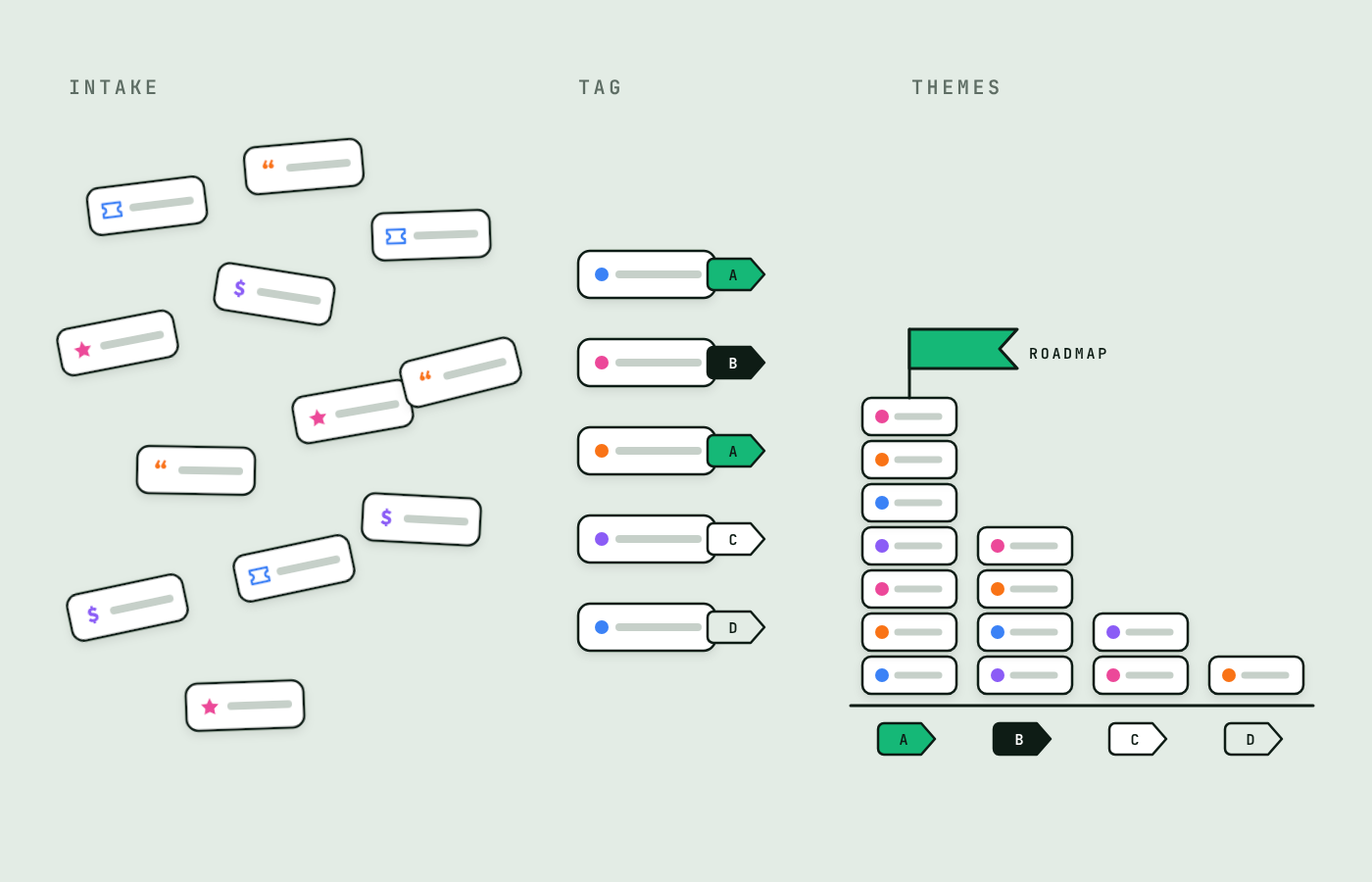
Customer Feedback Management Software: How Product Teams Centralize Customer Feedback
Compare customer feedback management software for product teams: spreadsheets, Productboard, Canny, Dovetail, Zendesk, NuHQ. See Nov 2026 pricing and fit.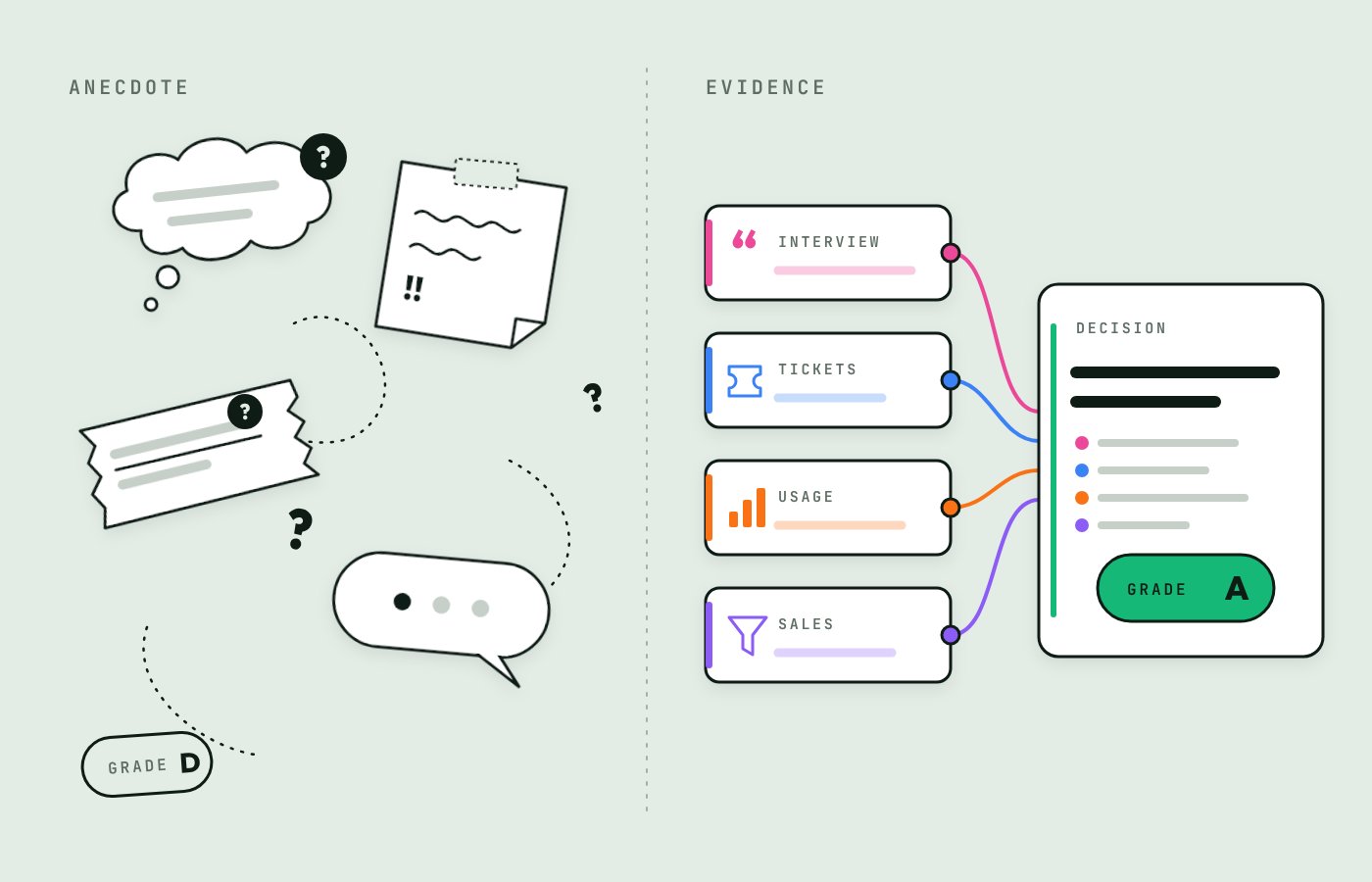
Customer Evidence: What It Is and How to Use It in Product Management
Customer evidence is traceable proof from real customers behind product decisions. Learn the types, how to grade it, and how to put it to work.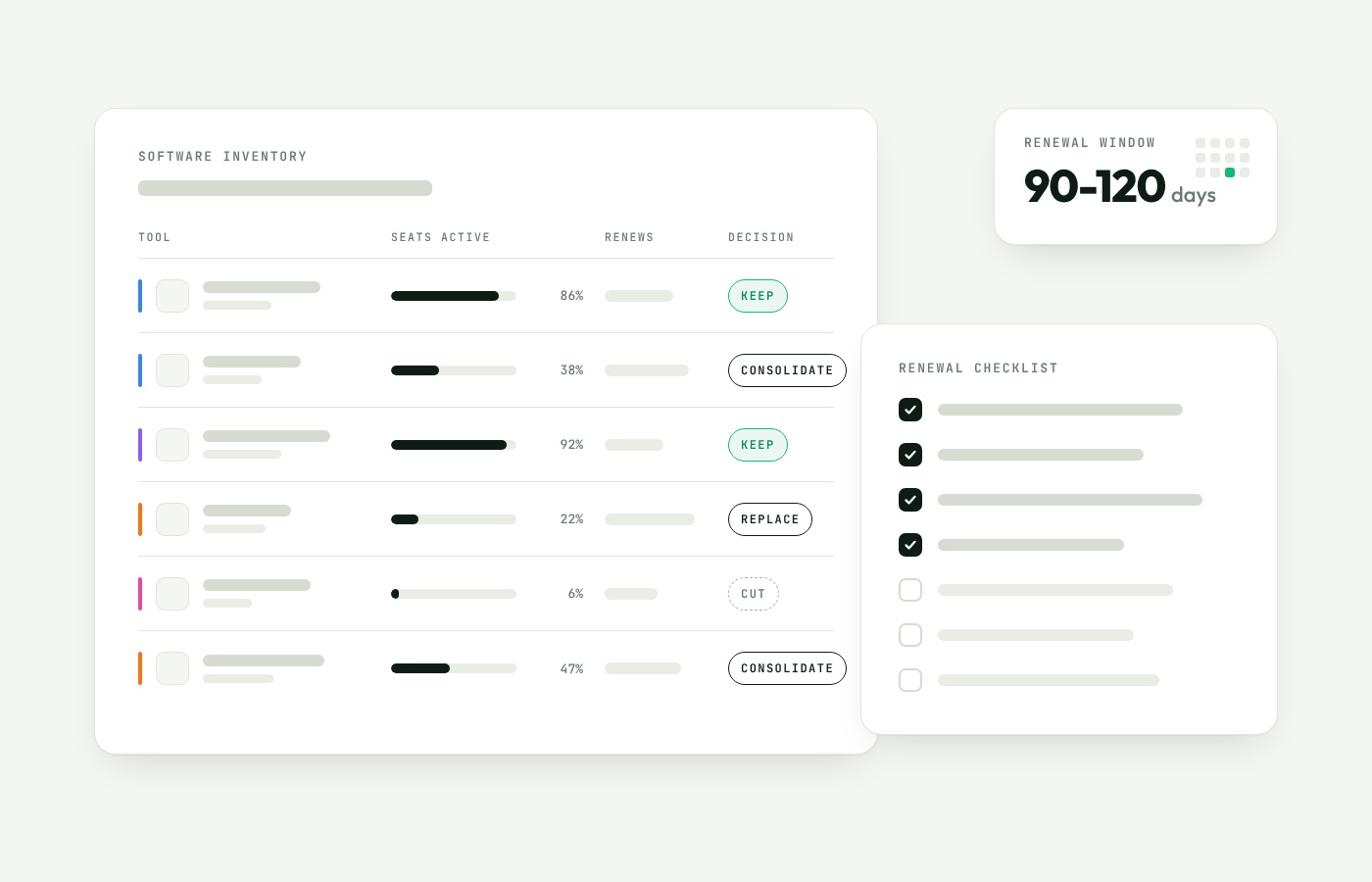
How to Audit Your Software Stack (Before Your Next Renewal)
A practical guide to auditing your software stack: build an inventory, find overlap and unused seats, check true costs, and plan renewals. Checklist inside.


