Always on
AI does the upkeep.
Structure messy docs, flag conflicts, and surface knowledge that needs attention.
AI-native knowledge, connected to your work. Cited answers with sources and context.
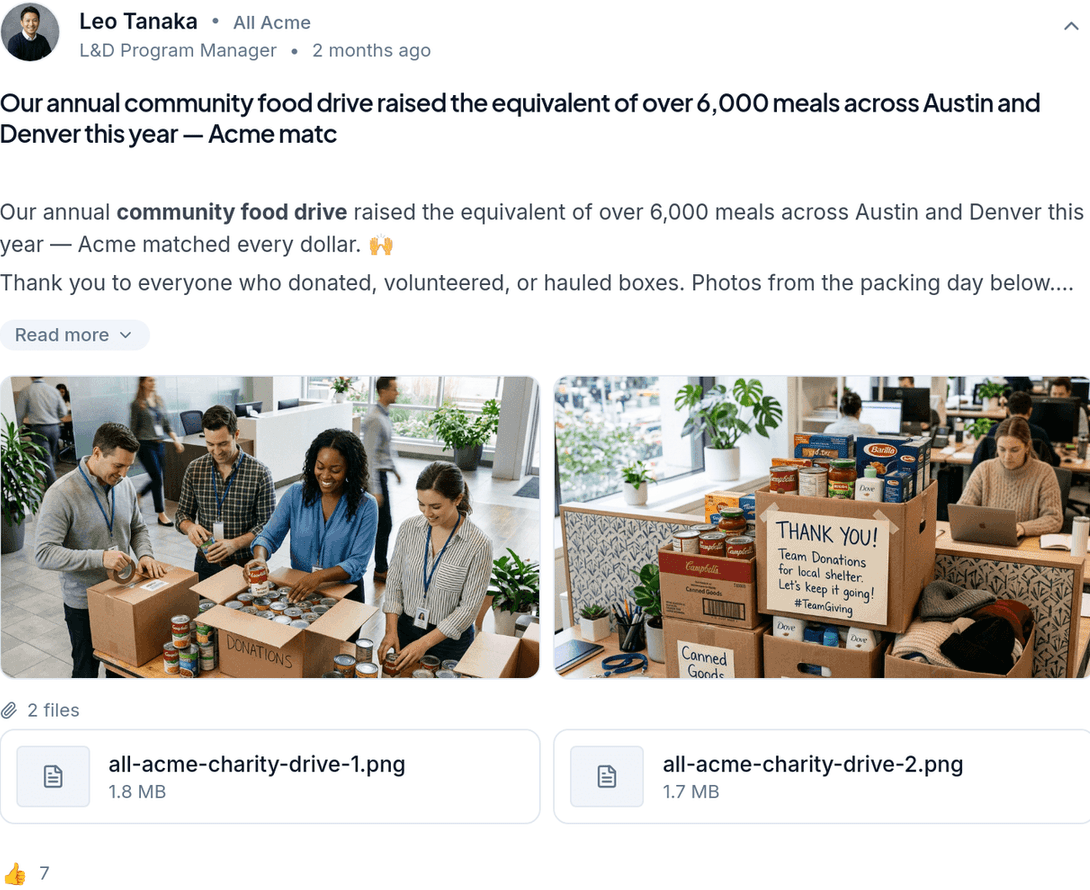
A living home for the policies, processes, and expertise your team comes back to. Organized in collections, connected to the people who know.
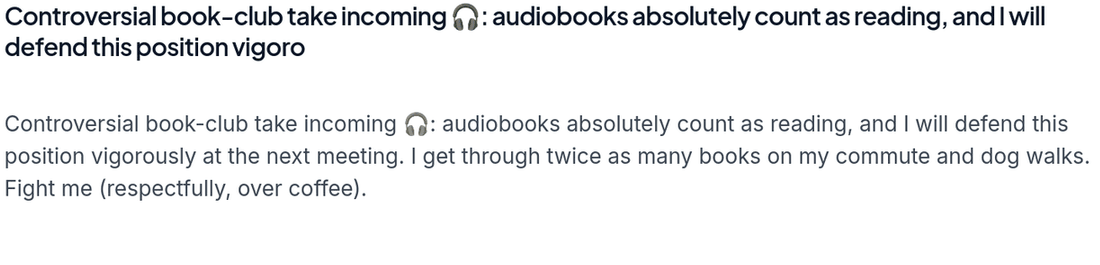

AI-native from the start, not a chatbot added on. One shared context layer connects your company’s knowledge, so AI can do the upkeep and your team can trust the answers.
Current, sourced, permission-aware knowledge that your people and AI can work from.
Structure messy docs, flag conflicts, and surface knowledge that needs attention.
Get an answer grounded in company knowledge, with the source and its context attached.
Give your team clear, sourced knowledge instead of another document to decipher.
Owners review and verify before the wrong answer spreads.
Permission-aware answers in Slack and on the web, with a source people can check.
Read tracking and ownership make knowledge gaps visible.
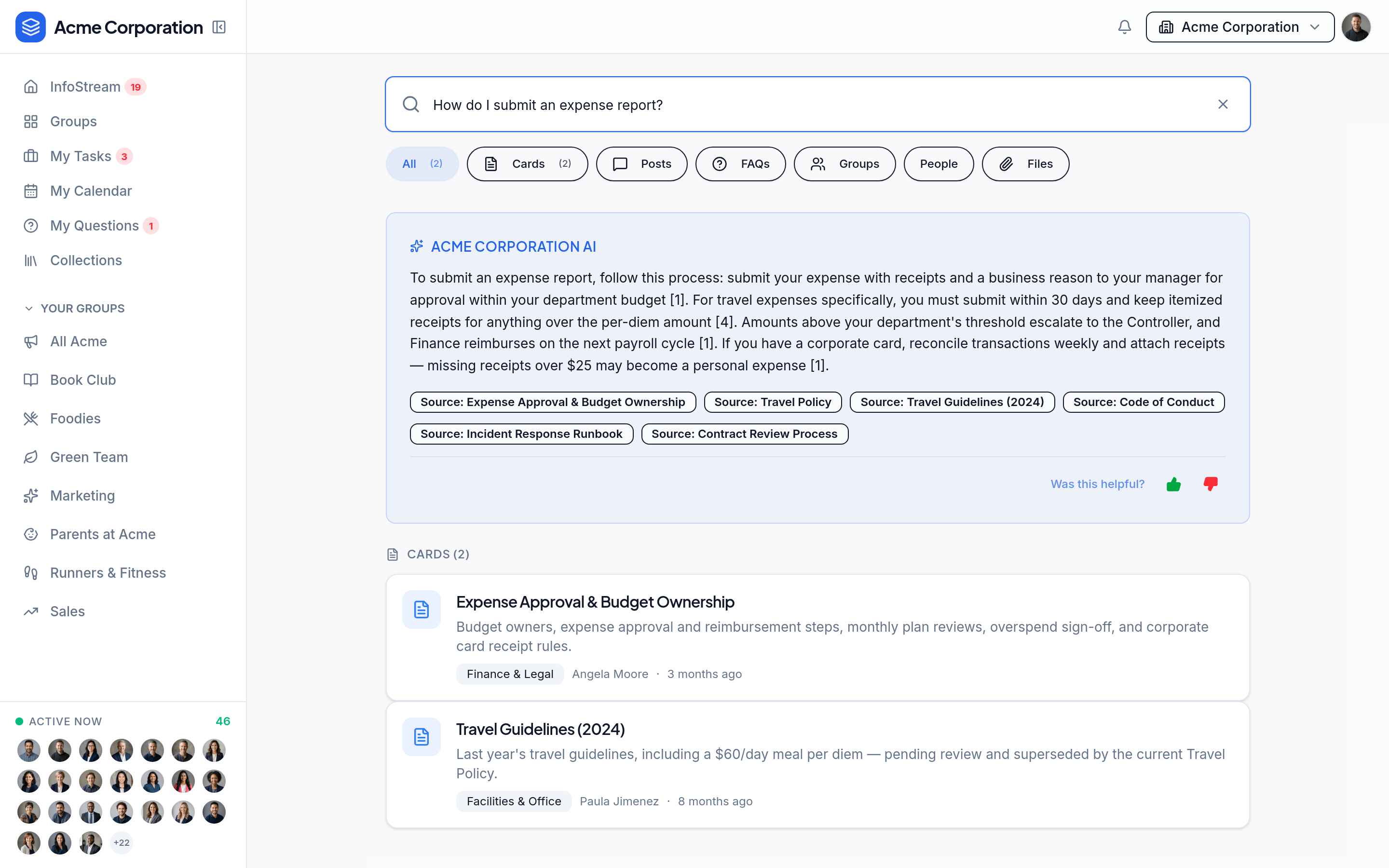
Ask a question and see a grounded answer alongside the knowledge that supports it. Open the source to understand the context, not just the conclusion.
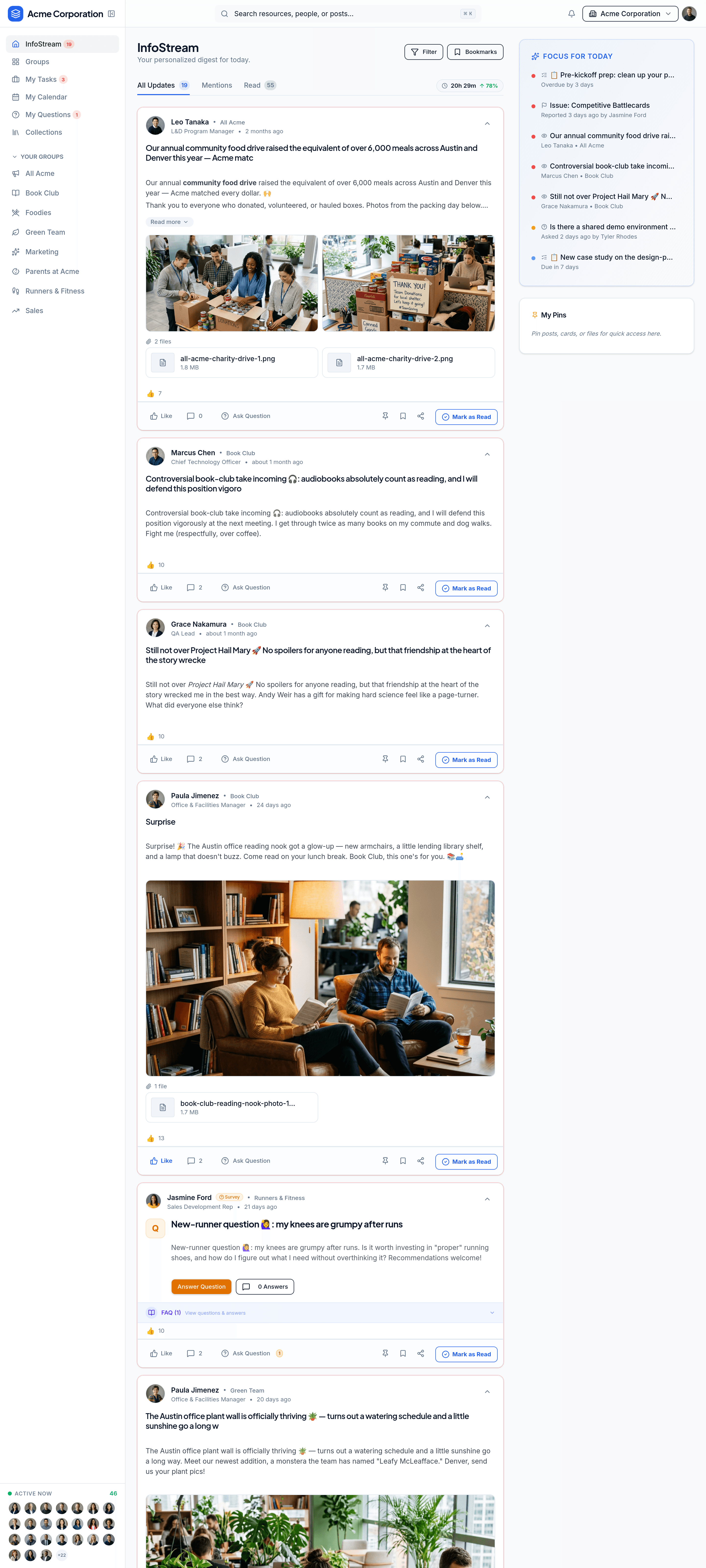
A personalized feed brings relevant updates and conversations together. Consumption benchmarks help teams understand what has reached people and where gaps remain.
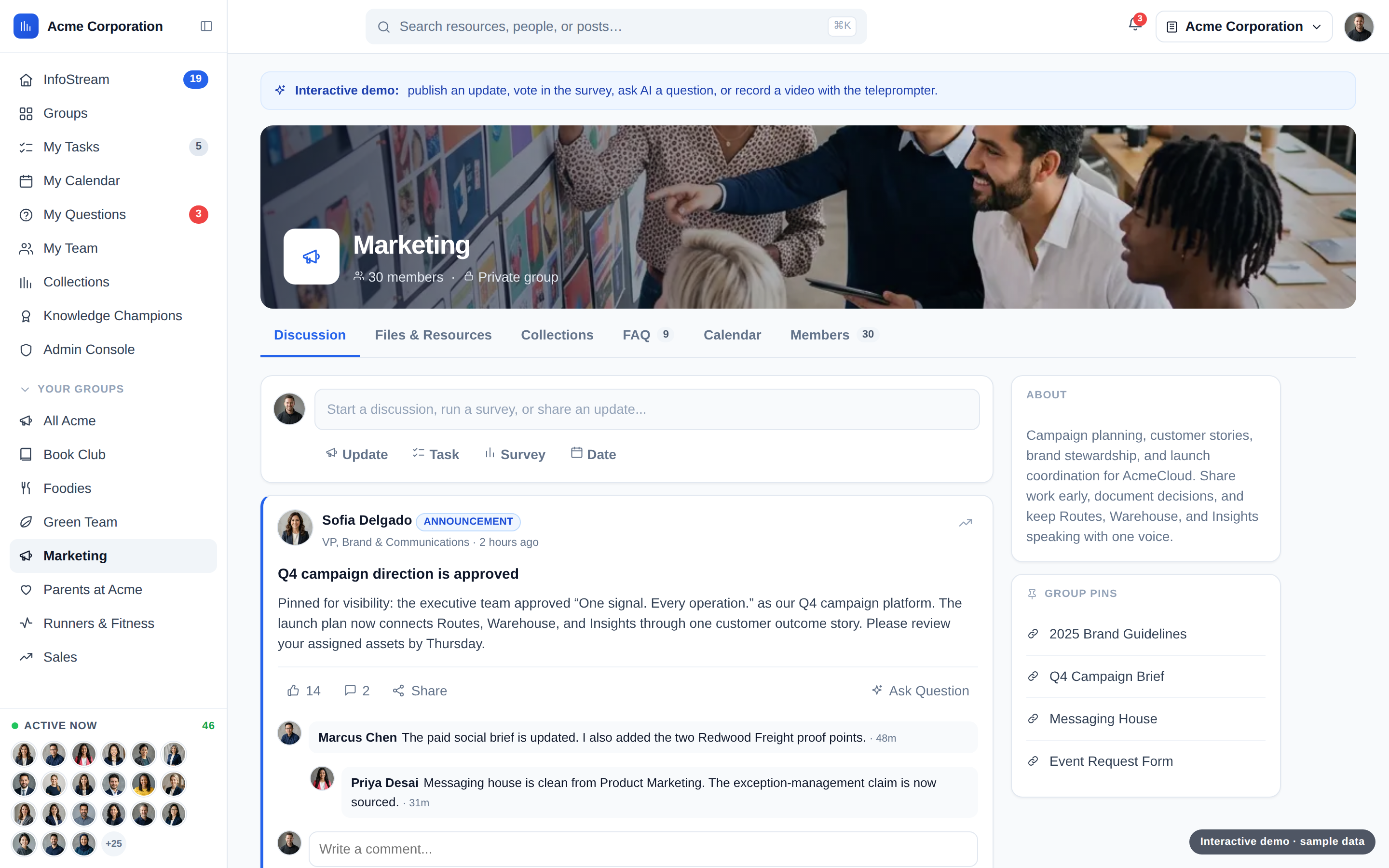
Rule-based membership keeps the right people included. Each group brings its resources, updates, tasks, surveys, dates, and files into one shared home.
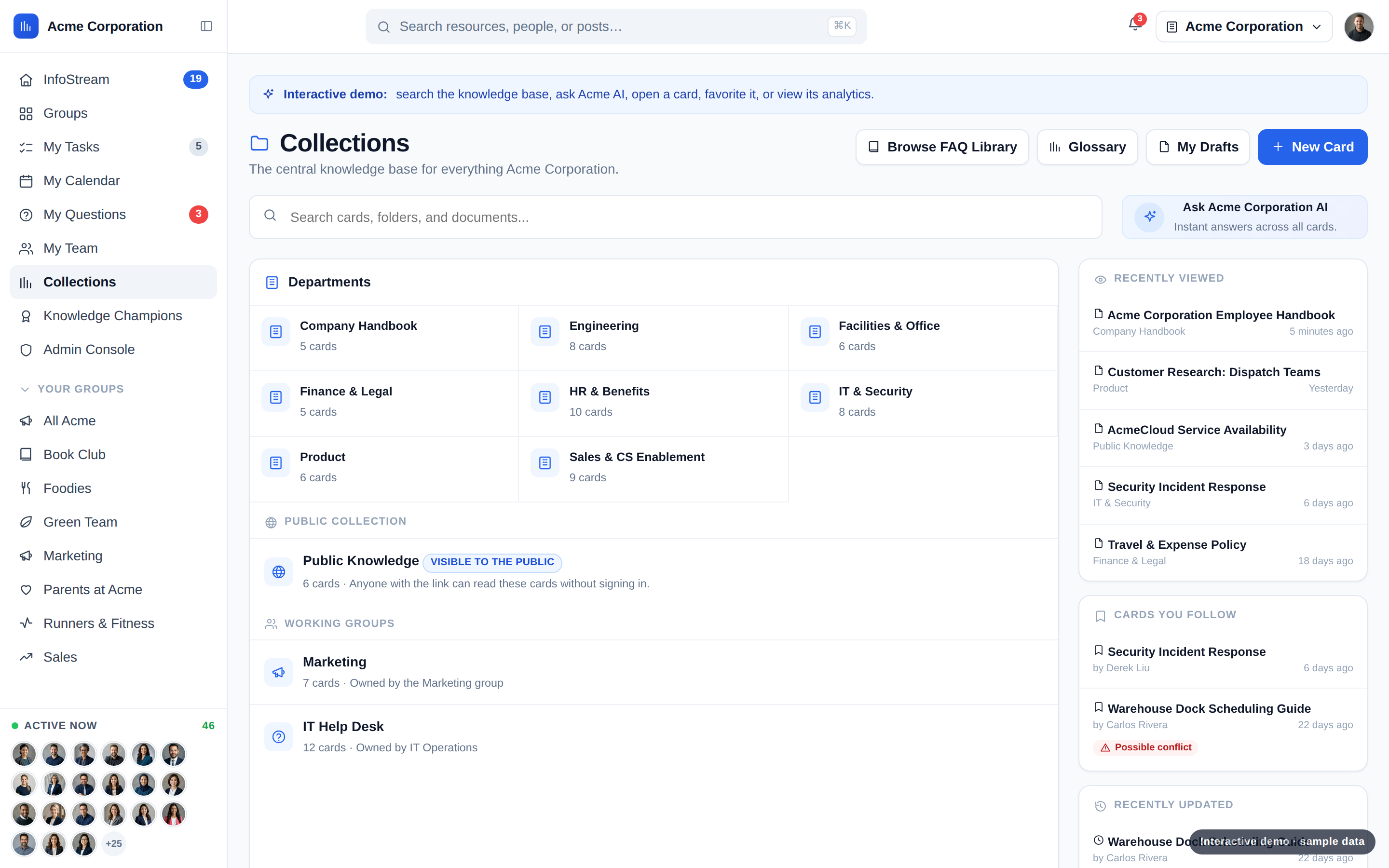
Organize trusted knowledge by department or group. A shared glossary defines company terminology, while selected public collections can serve audiences outside the company.
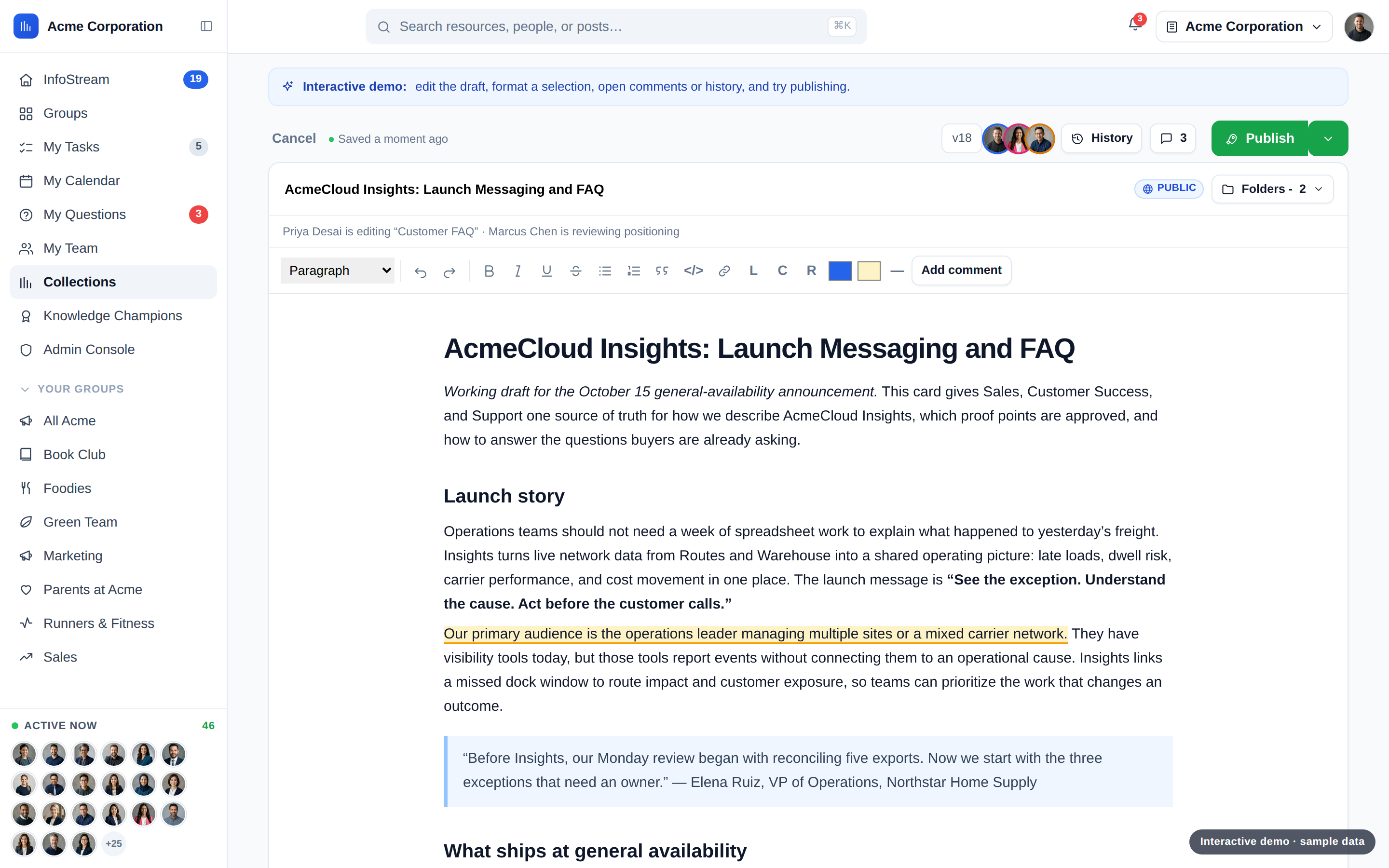
Create living documents with collaborative authoring, autosave, version control, comments, and verification. Review and publish with contributors while keeping permissions in place.
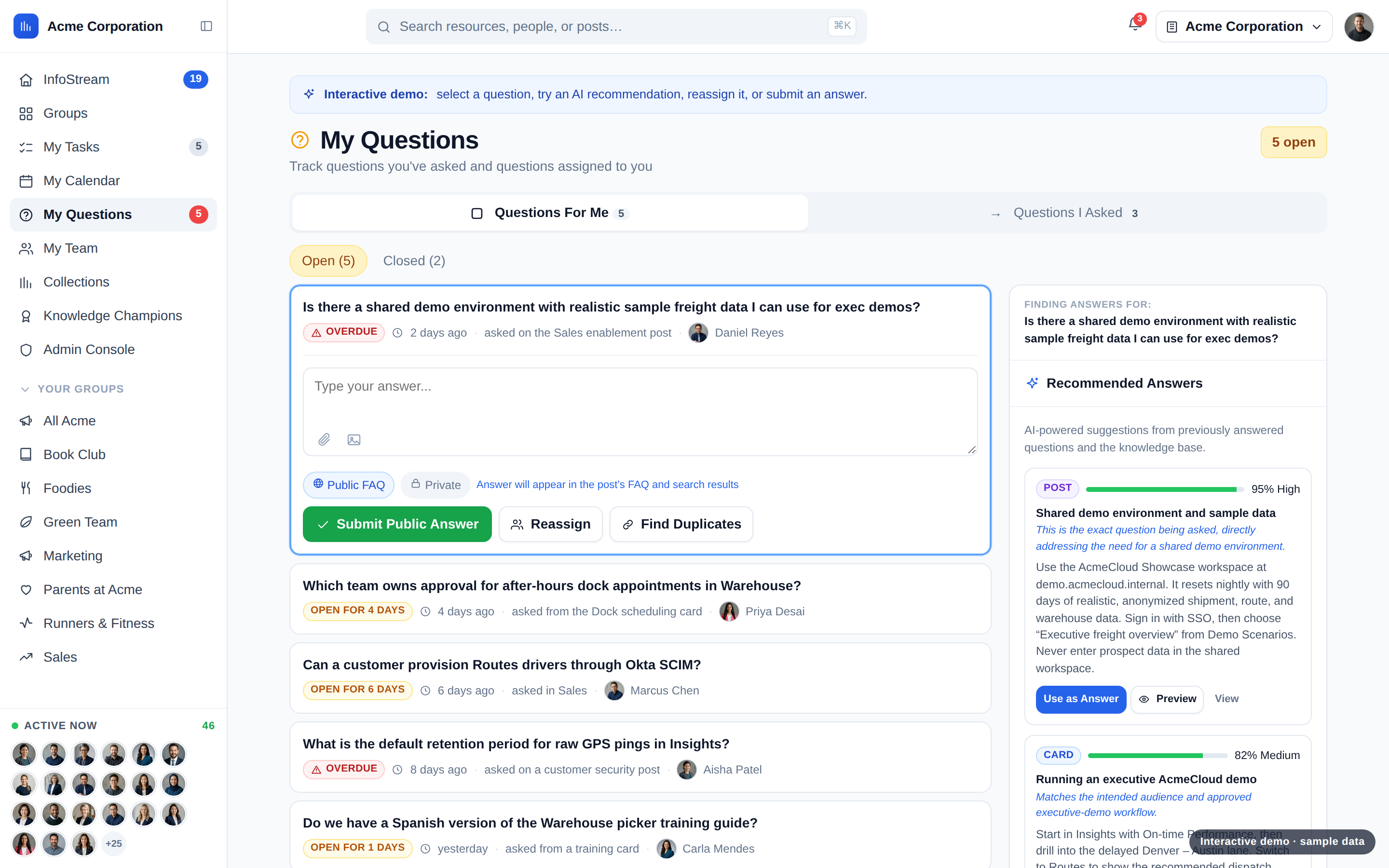
Route questions to the right people and recommend grounded answers from existing knowledge. Resolved questions become searchable FAQs, ready for the next person.
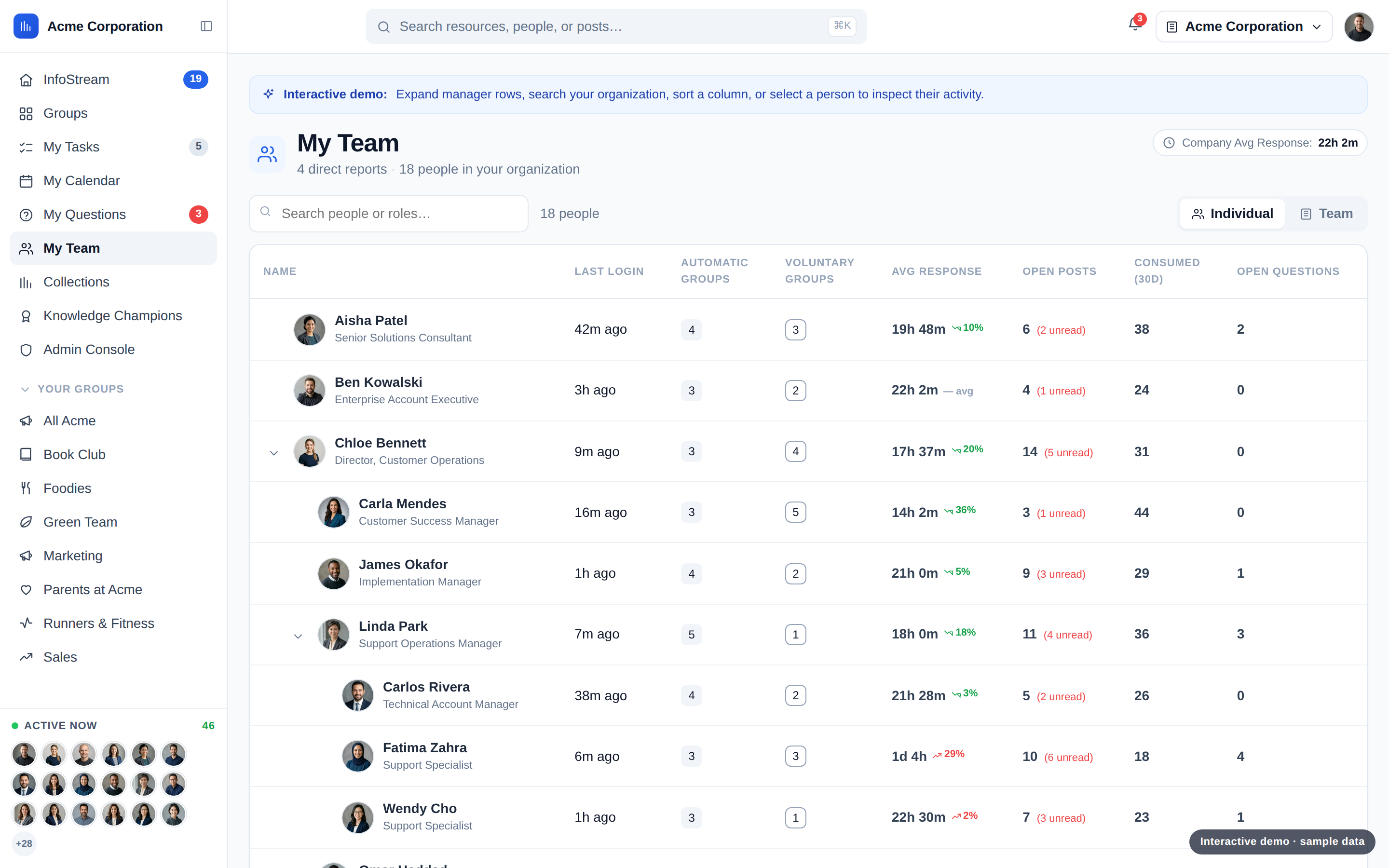
See team consumption, group exposure, and open posts. Navigate reporting hierarchies and compare against company benchmarks to spot where support is needed.
Year-one Knowledge cost compared with legacy Guru, including AI usage and migration. Activity as of October 2026.
Guru and NuHQ share important foundations. The decision is about the experience, the context, the migration, and the economics that fit your team.
 Guru | ||
|---|---|---|
| Cited AI answers | ||
| Automatic video transcription | Relies on a call tool | |
| Knowledge verification | ||
| Immediate duplicate detection | ||
| Built-in RAG optimization | ||
| Permission-aware answers | ||
| Public knowledge portal | ||
| Slack integration | ||
| MCP | ||
| Work context | ||
| Pricing approach | Published Knowledge plans + expected AI usage | Custom quote |
Bring knowledge from Guru, Notion, Confluence, Google Drive, OneDrive, and SharePoint.
Ask in Slack or through MCP for permission-aware answers with sources. See the FAQs for import behavior and sync schedules.





Every plan includes all Knowledge features. Add expected AI usage and any scoped migration cost, then compare with your Guru quote on the same scope.
Choose the Guru collections you want to import and preview the mapping before bringing them into Knowledge. Guru permissions and groups do not carry over: access follows the destination folder in Knowledge.
Cards import as published. Draft status, archive status, full version history, and verification intervals do not carry over. Attachments, embeds, and card links mostly transfer, but need review.
Review destination-folder access, content, ownership, and verification before your team relies on the imported knowledge.
That depends on your card volume, permissions, taxonomy, and review needs. We agree on timing after looking at your environment. There is no one-size-fits-all migration duration.
Ongoing sync is available where supported. We confirm which content can sync, how it behaves, and what your team needs to review before agreeing on a transition plan.
Yes. Ask by slash command, mention, or direct message and get a permission-aware answer with sources. Slack notifications are separate: mentions, tasks, posts, and questions are delivered as direct messages to linked users, not to configured channels.
Yes. MCP is available for read and search access. Each user signs in with OAuth, and responses respect that user’s permissions. It does not provide write access.
Bring your existing knowledge and everyday tools into the conversation:
We’ll review permissions, configuration, and supported sync behavior with you before connecting your tools.
Your total depends on your plan, usage, migration scope, and Guru quote. We can help you compare those numbers fairly.
Share your name, company, and email so we can discuss your Knowledge needs and what a move from Guru could involve.