Article
Context Switching at Work: The Real Cost Is Lost Context, Not Lost Minutes
Workers toggle between apps about 1,200 times a day. For client-facing teams, the bigger cost is lost context. Here’s how to reduce context switching.

Before a renewal call, a customer success manager might open an email thread, team chat, CRM record, the most recent QBR, and the calendar invite, just to remember where things stand. The call starts, and the customer asks about something that was promised in a channel that nobody was monitoring.
For example, they might ask a specific question about the payment deposit process, and the only person who knows the answer is your "payments guy." You asked him in Slack weeks ago, so you're frantically hitting Control+F and stalling on the live call while digging through buried threads. It’s a painful reminder that your customer experience is hanging by a thread – and if that payments guy ever leaves, that institutional knowledge walks out the door with him.
Most advice about context switching is about managing your focus. That helps with deep work, but it doesn’t help much when your job is talking to customers. In these cases, the problem isn’t the interruption – it’s that every conversation lives in pieces.
What is context switching?
Context switching is the effort required to move from one task, tool, or conversation to another and get your bearings each time. Think of it in two ways:
- Task switching. Changing what you’re working on, like moving from a renewal forecast to a support escalation.
- Tool switching. Changing where you’re working, like moving from email to chat to the CRM to find information.
Most productivity advice targets task switching. For client-facing teams, I see more of the damage with tool switching, because one customer relationship is spread across all of these tools.
What does context switching cost?
The best-documented cost of context switching is time. In a 2022 study published in Harvard Business Review, researchers tracked 137 people across 20 teams at three Fortune 500 companies for up to five weeks. They found that:
- Workers toggled between apps and websites about 1,200 times a day.
- Reorienting after those switches added nearly four hours a week.
- The effort lost to context switching accounted for 9% of their time at work.
The number of tools supporting tasks requires team members to constantly switch platforms. Gartner analyst Tori Paulman told Axios that workers use six to eight apps for a single business process. For example, Axios described a salesperson who used eight tools (email, calendar, Slack, Salesforce, video calls, a note-taking app, and more) to prepare for one client meeting.
However, time is only the part that’s easy to measure.
Why don’t the usual fixes work for client-facing teams?
The usual fixes (batching similar tasks, blocking off focus time, and turning off notifications) protect an individual’s ability to concentrate. This is strong advice for anyone who needs long stretches of deep work.
Client-facing work is different. A customer escalation doesn’t wait for your focused time block, and answering colleagues and customers quickly literally is the job. You can’t batch work your way out of these situations.
The real cost on these teams is lost context, and it shows up in ways that are tough to measure:
- Repeated questions. The customer explains the same issue to a second person, because the first conversation lives in someone else’s inbox.
- Missed commitments. A promise made in a chat thread never makes it to the team member tasked with delivering it.
- Thin handoffs. When an account changes hands, the new owner gets a summary instead of the history of the account, and often misses what mattered most.
- Slow prep. Every call starts with rebuilding the story from five tools, rather than picking up where things left off.
Customers notice all four, and it’s discouraging. Repeating yourself to a vendor feels like no one is paying attention, even if everyone is working hard.
How do you reduce context switching on a client-facing team?
Reduce the number of places a customer conversation can take place, and make the history easy to pick back up. These steps help with whatever tools you use:
- Keep each customer conversation in one place. Chat, email, and decisions about the same customer should sit together, not in separate apps that each tell just part of the story.
- Prep from the thread, not from memory. Before every call, read a catch-up of what’s happened since the last one. If creating that catch-up takes 20 minutes, it’s a sign that the conversation is too scattered.
- Write commitments down where they’re made. When a team member promises something, note who owes what by when, in the same thread.
- Ensure that handoffs carry the history. A new account owner should be able to read the conversation itself, not a recap of it, so that important details aren’t lost.
- Count the tools behind one touchpoint. List every app that someone opens to prepare for a single customer call. Our guide to auditing your software stack can help you decide which ones are essential.
- Let AI assist, with a person in control. AI can effectively pull scattered context into a catch-up or a first draft. Make sure that a team member reviews anything before it goes to a customer.
Where does NuHQ Connect fit?
NuHQ Connect brings chat, email, and AI agents into one place, so that the people, discussions, and decisions behind your work stay together.
- Chat and email side by side. Direct messages, channels, and threads sit next to email from your supported mail accounts, along with shared files and canvases.
- Calendars and tasks in the same app. There are fewer tabs to check before a meeting.
- Loop, your AI coworker. Loop helps with questions, catch-ups, and drafts, using the context you select and can access.
- You stay in control. You review the recipients, sender, and content before anything is sent.
Connect is available on the web and mobile, through Microsoft Marketplace and the App Store. It’s part of NuHQ, the AI-native company HQ, alongside NuHQ Knowledge and NuHQ Products.
At NuHQ, we also use Connect for our internal meetings, and context is automatically saved to my Loop agent. If I need to remember key details about an upcoming client call, or where we landed on an important decision, that information is searchable at my convenience. I don’t have to ask around. I’m using a couple of pre-built agents in Connect to keep me up to speed. One is called the Promise Keeper, which creates tasks for commitments I've made. Another is called the Calendar Bodyguard, which flags conflicting appointments and protects my focus time.
See it on your own work
Test drive NuHQ to see how Connect keeps customer conversations, email, and follow-up in one place.
Put this into practice with NuHQ Products
Product work linked to the decisions and knowledge behind it. The beta is opening to teams in waves.
Frequently asked questions
What is context switching at work?
Context switching at work is the effort of moving between tasks, tools, or conversations and reorienting each time. It includes switching what you’re working on and switching which app you’re working in. Both cost time and attention. On client-facing teams, they also scatter the history of each customer relationship.
How much time does context switching cost?
In a 2022 Harvard Business Review study of 137 workers at three Fortune 500 companies, people toggled between apps and websites about 1,200 times a day. Reorienting after those switches took nearly four hours a week, or roughly 9% of their time spent working.
What is the toggle tax?
“Toggle tax” is a popular name for the time and attention you lose each time you switch between apps. The idea comes largely from the Harvard Business Review research on app toggling, which estimated that reorienting costs workers about 9% of their time at work.
How do you reduce context switching?
Cut down the number of apps where important information is stored. For client-facing teams, that means keeping each customer conversation in one place, prepping from a catch-up instead of rebuilding the story, writing commitments down where they’re made, and giving new account owners the full history at handoff.
Can AI help reduce context switching?
Yes, when it reassembles context, rather than adding another tool to your stack. AI can summarize what’s happened since your last call or draft a reply from the full thread. Make sure a person reviews anything before it’s sent to a customer.
Sources
Written by
LinkedIn profileRelated reading
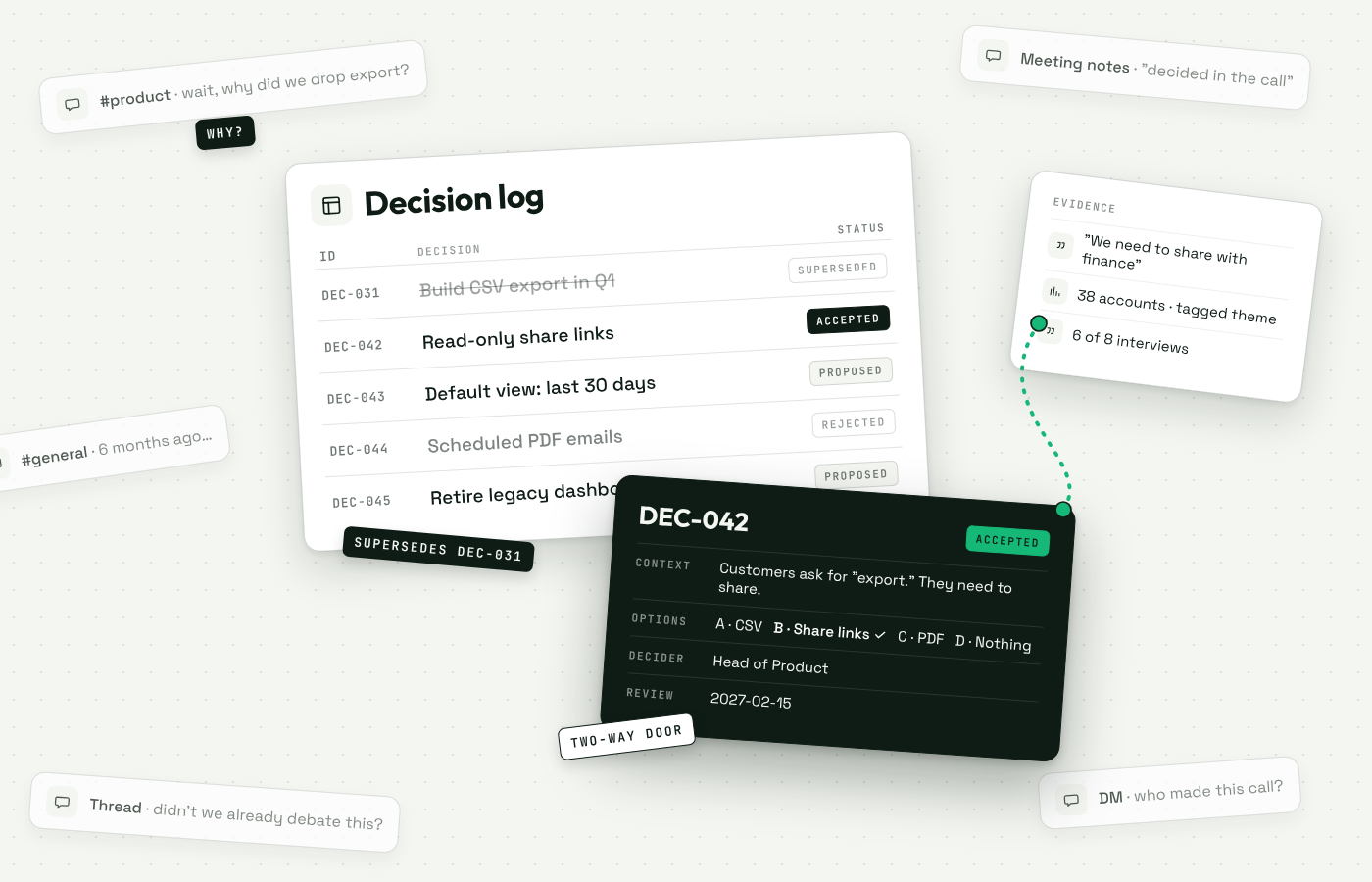
How to Write a Decision Log (+ Free Decision Log Template)
Get a free decision log template with a practical example. Learn which fields to track, how ADRs and one-way doors shape it, and how to keep it current.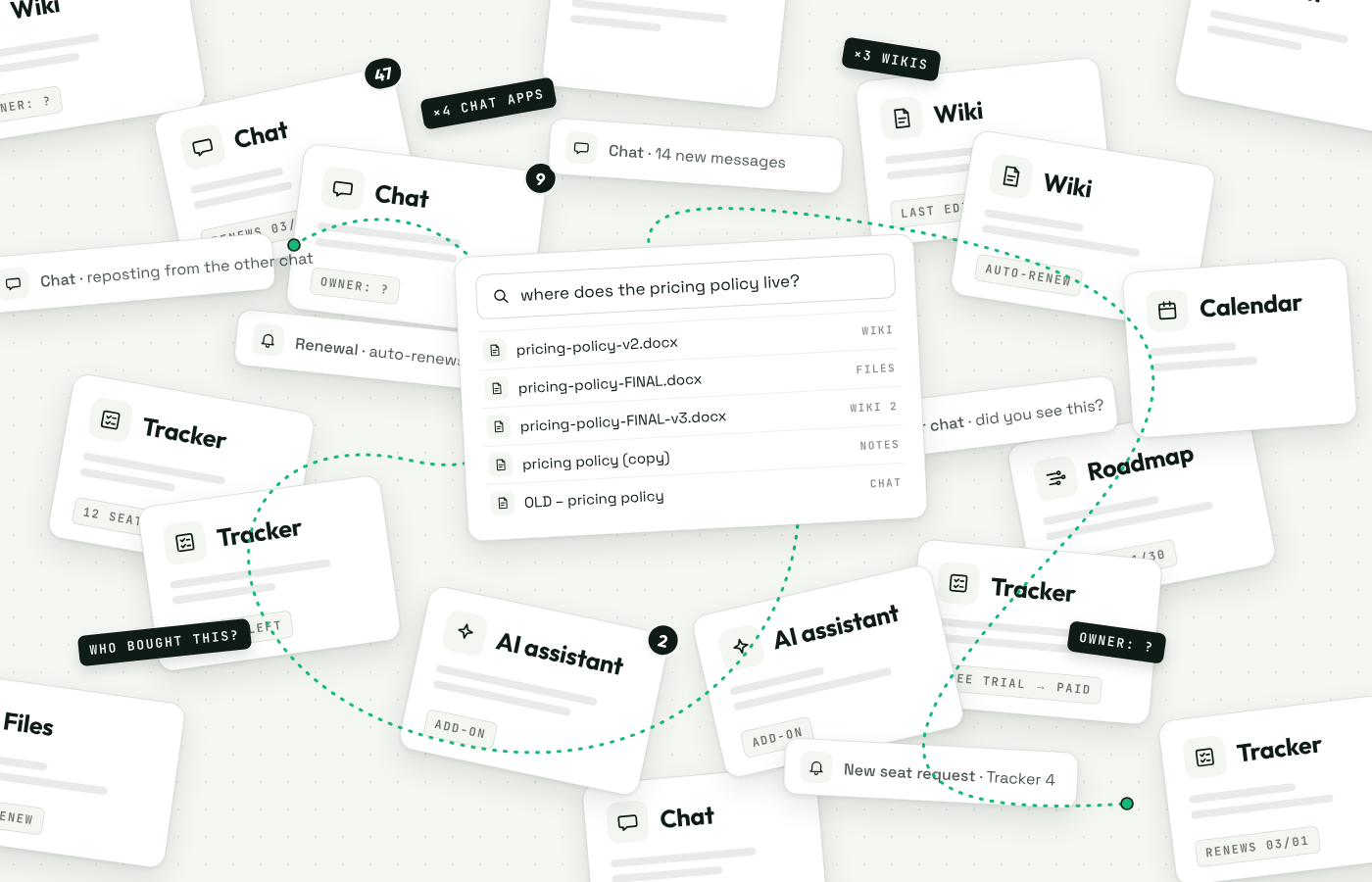
What Is Software Sprawl? Causes, Costs, and Warning Signs
Software sprawl is the unchecked growth of apps across a company. Learn what causes it, what it really costs, and the warning signs to watch for.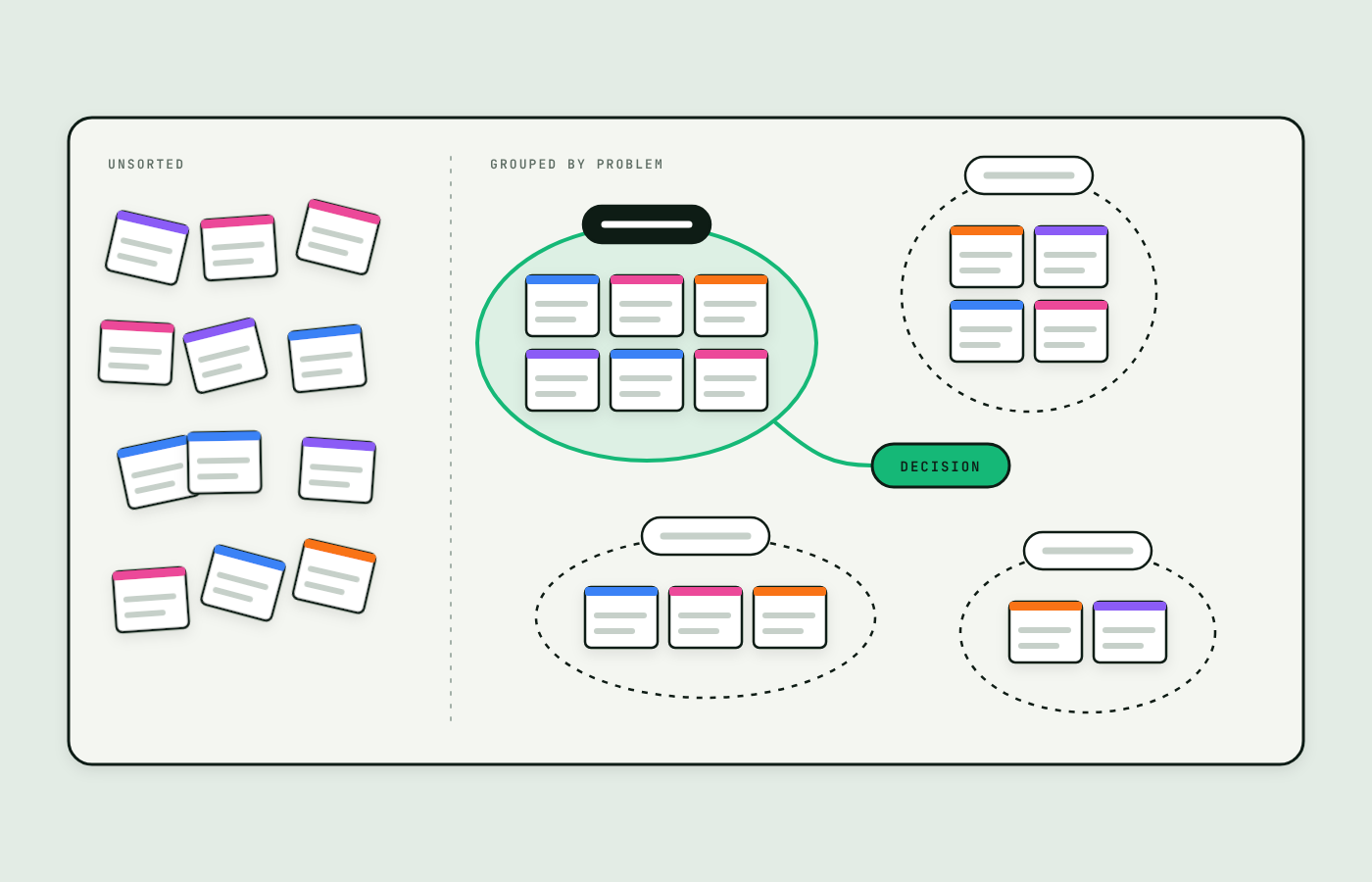
How to Organize Customer Feedback: A Step-by-Step Guide (With Tagging Taxonomy)
Learn how to organize customer feedback in 7 steps: centralize sources, tag with a taxonomy, add customer context, and link it all to product decisions.


